
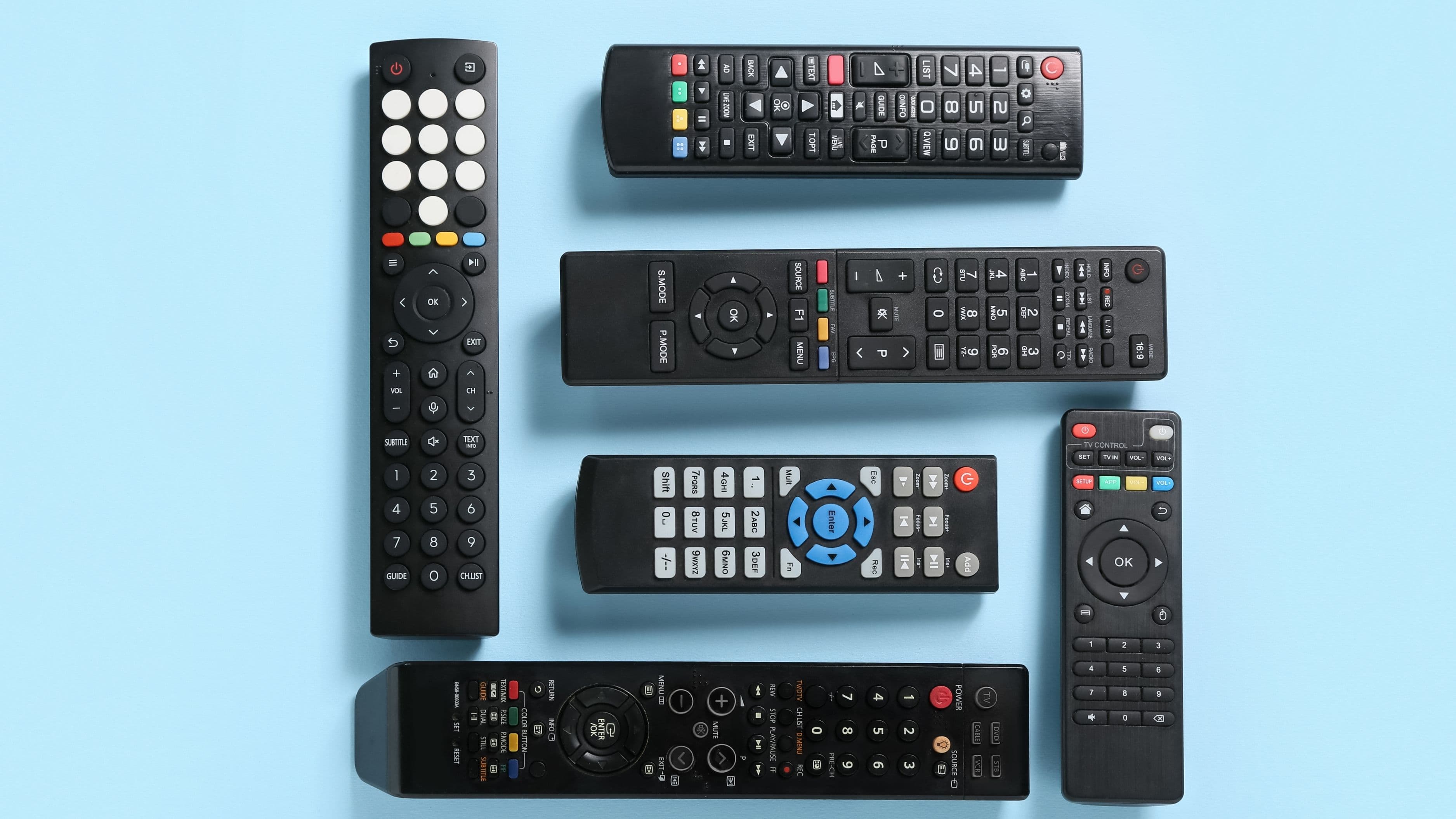
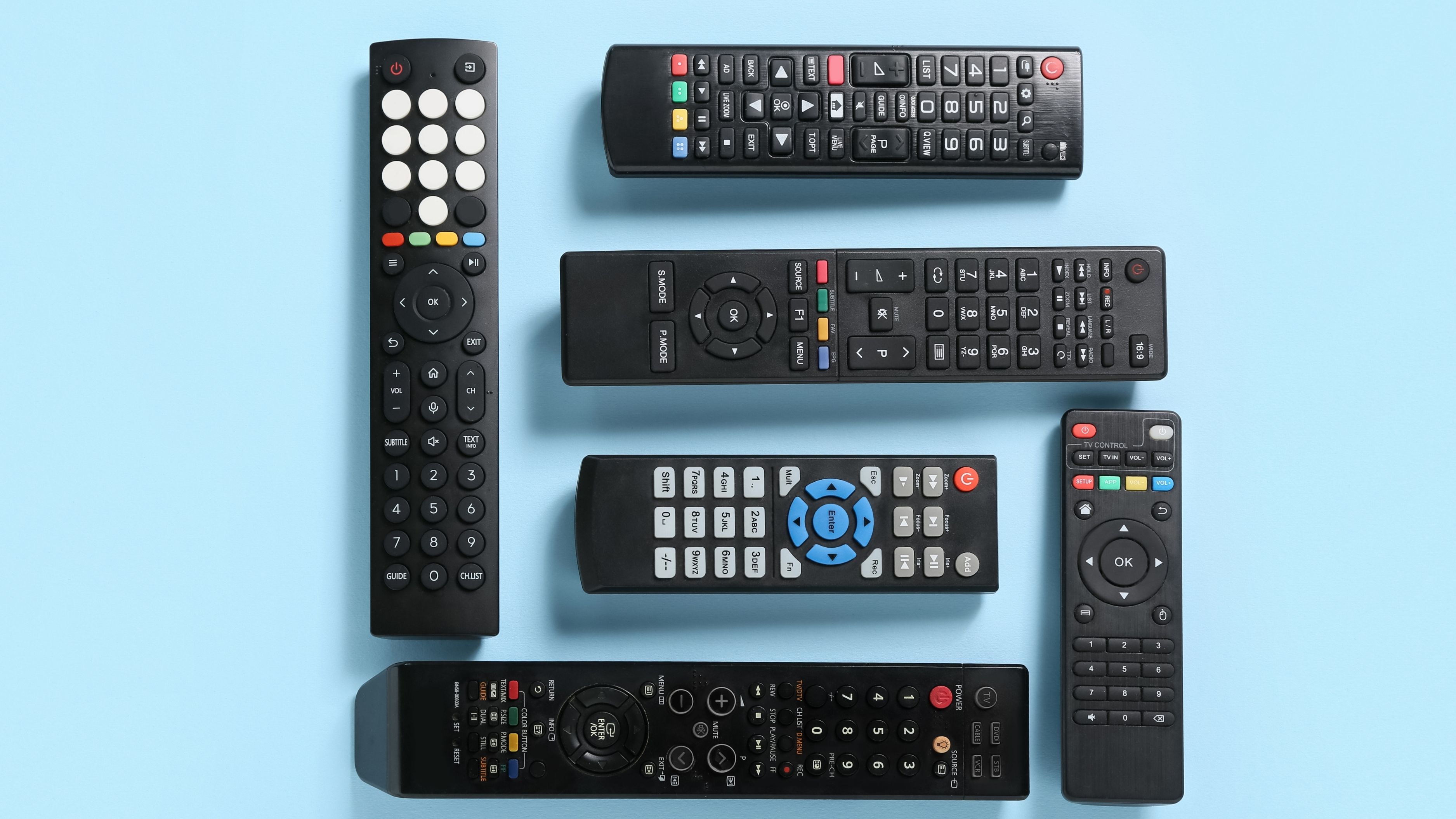
Understanding the difference between IR (infrared) and RF (radio frequency) remotes will help you figure out which type you're working with, whether an upgrade makes sense, and what to look for if you're shopping for a universal remote that actually makes your home theater easier to use.
How IR Remotes Work
Infrared remotes are what most people have in their homes. The remote transmits a beam of invisible light (infrared light, which sits just below the visible spectrum) directly at the device you're controlling. The device has a small IR receiver – usually a dark-tinted sensor on the front panel – that picks up that light signal and translates it into a command.
The key word in that description is "directly." IR signals travel in a straight line and can't pass through walls, solid cabinet doors, or even your hand if it's covering the front of the remote. The device's IR receiver needs to have a clear, unobstructed line of sight to the remote. Most remotes work up to about 30 feet in a direct line, but performance drops off quickly at sharp angles.
This technology has been the standard for decades because it's simple, inexpensive to manufacture, and completely reliable when used in an open setup. The vast majority of TVs, AV receivers, soundbars, Blu-ray players, cable boxes, and streaming devices are designed to receive IR signals and only IR signals. That's important to keep in mind as we look at RF, because it has real implications for how RF systems are built.
How RF Remotes Work
Radio frequency remotes transmit signals using radio waves rather than light. Radio waves don't require line of sight – they pass through walls, furniture, cabinet doors, and most other household materials without any problem. An RF remote can operate a device in the next room, through a closed door, or without being pointed at anything in particular. The range is also substantially greater, typically 100 feet or more compared to the 30-foot practical range of most IR remotes.
Here's the important catch: almost no consumer electronics devices have built-in RF receivers. Your TV, receiver, cable box, and streaming player are all designed to receive IR signals. So how do RF remotes actually control IR-based equipment?
The answer is a base station or hub. RF remotes transmit to a hub that you place near your equipment. The hub then translates those RF signals back into IR commands and blasts them toward your devices using small IR emitters – the same kind of infrared light your original remote would have used. You get RF convenience (no line-of-sight requirement, through-wall operation) combined with IR delivery at the device end.
This is exactly how Logitech's Harmony Hub system works, and it's the same approach used by most professional whole-home RF remote systems. The hub does the translation work so your existing IR-based equipment doesn't need to be replaced or modified.
Comparing the Two Side by Side
Line of Sight
IR requires a clear, unobstructed path between the remote and the device's sensor. If your equipment is behind a cabinet door, in a closet, in an adjacent room, or even positioned at an awkward angle where the sensor isn't easily visible, IR will give you trouble. You'll find yourself leaning, pointing carefully, or leaving cabinet doors open specifically so the remote can reach the sensor.
RF has no line-of-sight requirement at all. You can sit on the couch, put the remote behind your back, and it will still work. Equipment can be fully enclosed in cabinetry, hidden in another room, or tucked away anywhere in the house. For AV setups where equipment is hidden for aesthetic reasons, RF is essentially the only practical wireless solution.
Range
Standard IR remotes work reliably up to about 20–30 feet in a direct line. In a typical living room this isn't a limitation, but in a larger space – a big open-plan room, a dedicated home theater, or a setup where equipment is at the back of the room – IR range can become an issue.
RF systems routinely operate at 100 feet or more through walls and floors. For a whole-home audio or video setup where you want to control equipment from different rooms, RF is the only viable approach.
Device Compatibility
This is where IR has the clear advantage. Every IR remote works with every IR device without any additional hardware. There's nothing to install, configure, or maintain. You point, you press, it works.
RF requires compatible hardware at both ends. You need an RF-capable remote and either a hub/base station (for IR-based equipment) or devices with native RF receivers (rare in consumer electronics). This adds cost and complexity to the initial setup, and if the hub fails, you lose control of everything connected to it.
Setup Complexity
IR setup is minimal. You program a universal IR remote with the codes for your devices, and you're done. The process takes 15–30 minutes for most people.
RF setup involves installing and positioning a hub, running the IR emitters to each device or using the hub's built-in IR blaster (which has more limited range than individual emitters placed directly in front of each device's sensor), and configuring the remote software. It's a more involved initial setup – typically 1–2 hours – but once it's done, the day-to-day experience is much more convenient.
Cost
Basic IR universal remotes are available for as little as $10–$30 for simple models, with mid-range options like the Logitech Harmony 650 in the $30–$60 range. These handle most living room setups well.
RF systems cost more because of the hub hardware. A Logitech Harmony Smart Control (remote + hub) runs in the $70–$100 range for remaining stock. More capable RF systems from Control4, URC, or professional installers can run into several hundred to several thousand dollars depending on the scope of the system.
Interference
IR is essentially immune to interference because it uses light rather than radio waves. The only thing that can interfere with an IR signal is physical obstruction or another very bright IR source (like direct sunlight hitting the device's sensor, which can occasionally cause erratic behavior).
RF operates in the 433 MHz or 2.4 GHz spectrum (depending on the system), which means it can theoretically experience interference from other devices operating in the same frequency range. In practice this is rarely a significant issue for home RF remotes, but it's worth knowing about if you're in an environment with a lot of competing wireless devices.
Which One Should You Choose?
For the majority of living room setups where equipment is on an open shelf or entertainment center with clearly visible front panels, an IR universal remote is completely adequate and significantly cheaper. There's no reason to add the complexity and cost of an RF system if you don't need through-wall operation or closed-cabinet control.
An RF system is worth the investment when any of the following apply to your setup:
Your equipment is inside a closed cabinet, armoire, or media closet and you want to keep it hidden while still being able to control everything. This is the single most common reason people switch from IR to RF, and it solves the problem completely.
You want to control equipment in another room – for example, a receiver or media server located in one room while you watch in another. RF handles this effortlessly; IR can't do it at all without additional hardware like IR repeaters or emitter cables run through walls.
You have a larger room where pointing a remote at equipment 25–30 feet away is unreliable or impractical. RF gives you reliable operation from anywhere in the space.
You're building a whole-home audio or video distribution system where control needs to work across multiple rooms from any location. RF (often professionally installed in this case) is the standard approach for these systems.
If you're not sure which type you currently have, the simplest test is to cover the front of your remote with your hand while pressing a button. If the device stops responding, it's IR. If it still responds, it's RF.
Common Mistakes to Avoid
The most common mistake with IR remotes is buying a universal remote without checking whether the devices you need to control are in its database. Not every universal remote includes codes for every device. Check the manufacturer's compatibility list before purchasing, especially for less common brands or older equipment.
With RF systems, the most frequent setup error is positioning the hub's built-in IR blaster where it can't reach all your devices effectively. The built-in blaster on most hubs has a limited spread. If you have equipment arranged side by side in a cabinet, individual mini-blaster emitters placed directly in front of each device's IR sensor (most hub systems include these or sell them as accessories) are more reliable than relying on the hub's integrated blaster to cover everything.
Another thing to avoid with RF systems is assuming the hub will work reliably if its internet connection goes down. Hub-based systems like Harmony use cloud-connected software for initial setup and some features – but once configured, basic IR command delivery through the hub generally continues to work locally without an active internet connection. More advanced features like voice control integrations do require connectivity, so keep that in mind if your router goes down.
FAQ
Can I convert my existing IR remote setup to RF without replacing everything? In most cases, yes. An IR-to-RF extender kit – a receiver you place near your remote's usual location that picks up IR signals and re-transmits them as RF to a hub near your equipment – can extend IR range and allow through-wall operation. These kits are more common in commercial/professional settings but are available for home use as well.
Do smart TVs and streaming devices use IR or RF? Most smart TVs, Roku players, Fire TVs, and Apple TVs use IR for their physical remotes, though many also have Bluetooth capability for closer-range control and some features (like voice control) that work over Bluetooth rather than IR. When setting up a universal remote to control these devices, IR is still the standard approach for most users.
Will RF remotes work through any wall material? RF signals pass through standard drywall, wood, and glass without meaningful signal loss. Dense concrete, brick, and metal significantly reduce RF signal strength and can limit range. For most residential setups this isn't an issue, but it's worth knowing if you're planning an unusually long-range or multi-room application.
I have a Harmony Hub setup and the hub failed – can I still control my devices? Yes, but only with the original remotes for each device while you replace or repair the hub. The hub is the translation layer between RF signals and IR delivery – without it, the Harmony remote has no way to reach your IR-based equipment. Keeping the original remotes accessible for this situation is a good practice.
Is Bluetooth a third option for remote control? Bluetooth is used for some remote applications, particularly game console controllers and some smart TV remotes with voice features. It doesn't require line of sight and has decent range (roughly 30 feet). However, Bluetooth universal remotes for full home theater control are rare compared to IR and RF options, and the ecosystem of compatible devices is more limited. For most home theater applications, IR or RF are the practical choices.
📚 Sources
HowStuffWorks – How Remote Controls Work: https://electronics.howstuffworks.com/remote-control.htm
CNET – IR vs RF Remote Controls Explained: https://www.cnet.com/home/smart-home/infrared-vs-radio-frequency-remotes/
Logitech Harmony Support – Hub Setup and IR Blaster Placement: https://support.myharmony.com/en-us/harmony-experience-with-logitech
AVS Forum – IR vs RF Remote Guide for Home Theater: https://www.avsforum.com/threads/ir-vs-rf-what-you-need-to-know.1498762/
RTings.com – Universal Remote Control Buying Guide: https://www.rtings.com/remote-control/reviews/best/universal
Digital Trends – How to Hide Your Home Theater Components: https://www.digitaltrends.com/home-theater/how-to-hide-av-equipment/
PCMag – The Best Universal Remote Controls: https://www.pcmag.com/picks/the-best-universal-remotes
Consumer Reports – Universal Remote Buying Guide: https://www.consumerreports.org/remotes/universal-remote-buying-guide/
FCC – Radio Frequency Basics for Consumers: https://www.fcc.gov/consumers/guides/interference-your-television-set
Wirecutter – The Best Universal Remote: https://www.nytimes.com/wirecutter/reviews/the-best-universal-remote/