
What Solar Monitoring Apps Actually Do
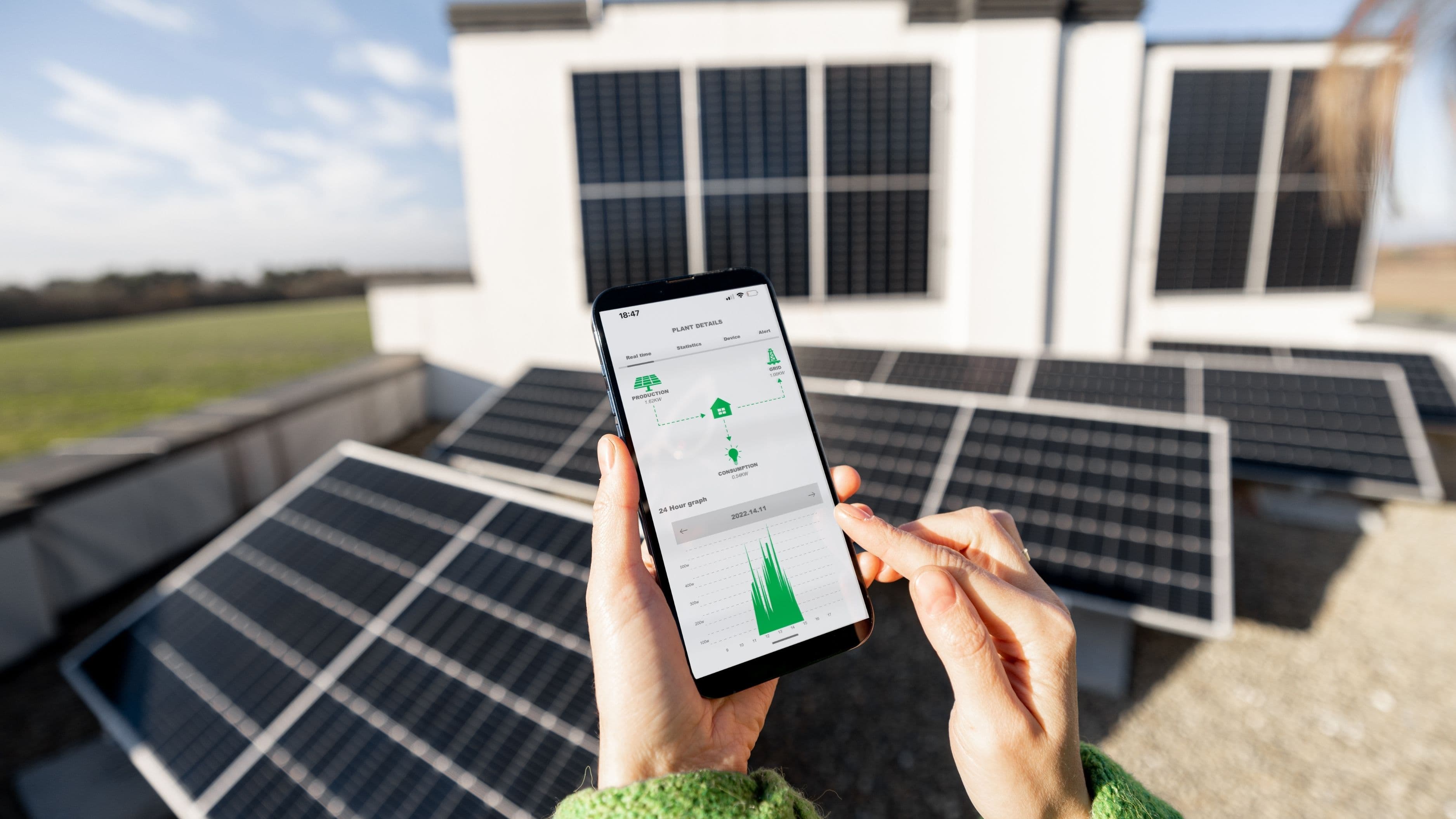
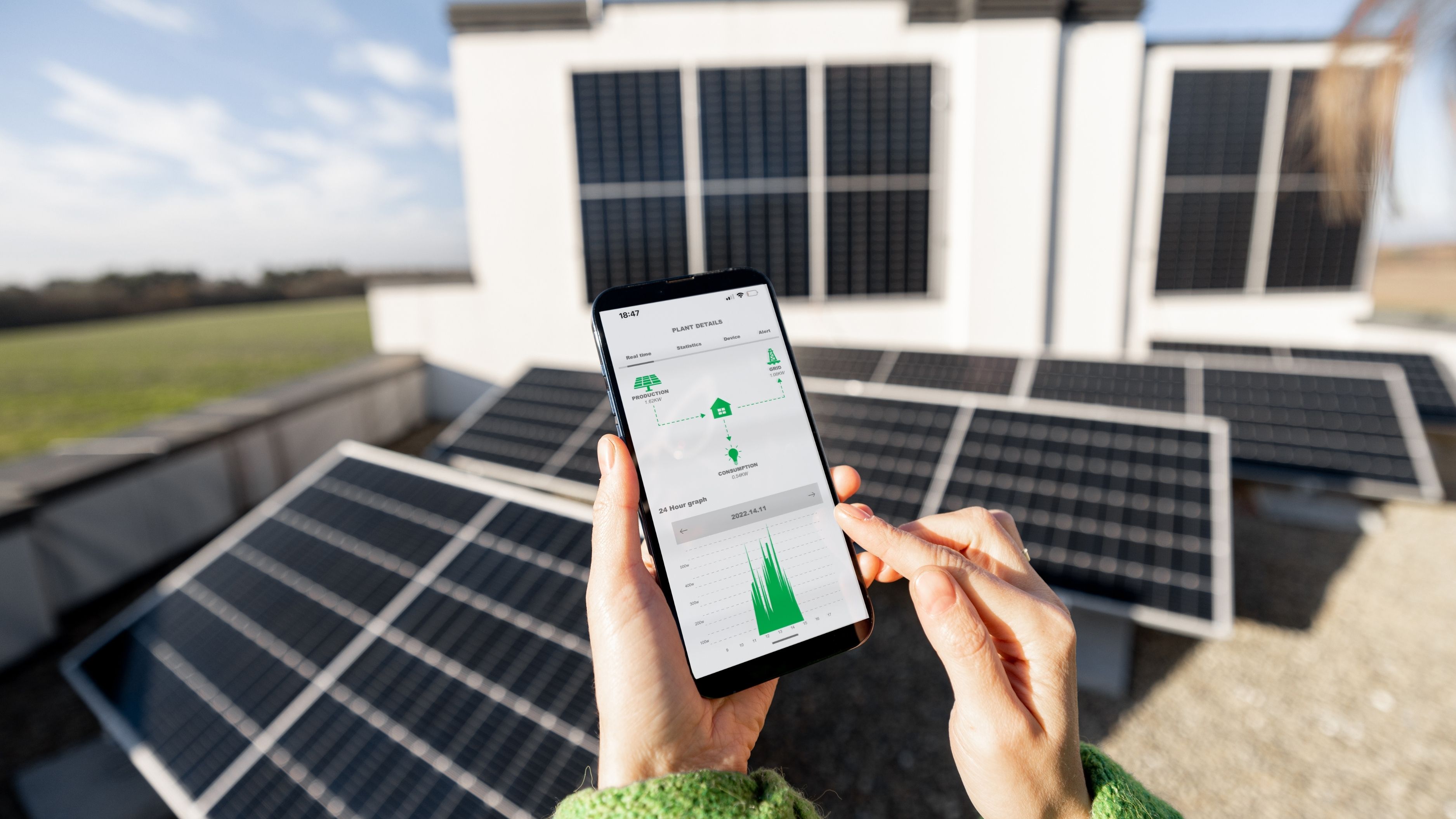
Most modern solar systems include a monitoring component built into the inverter, the device that converts the DC electricity your panels generate into the AC electricity your home uses. This inverter communicates with a companion app, giving you real-time and historical data on how much energy your system is producing, how much your home is consuming, and in some cases, how much you're exporting back to the grid.
Popular platforms like Enphase Enlighten, SolarEdge, and Tesla's app for Powerwall-integrated systems all follow this same basic model, though the specific features and interface vary by manufacturer. If you're unsure which platform your system uses, check your inverter's brand, that determines which app you'll need.
Setting Up Remote Monitoring
Most installers set up your monitoring app during installation, but if you need to set it up yourself or reconnect after a router change, the process generally involves connecting your inverter to your home Wi-Fi network, then linking the system to your account through the manufacturer's app using a system ID or serial number found on the inverter itself.
Once connected, the app should begin displaying data within a few hours, sometimes immediately, though full historical tracking builds up over the following days as the system establishes a baseline. If your app isn't showing data at all, the most common culprit is a lost Wi-Fi connection, which usually requires re-entering your network password after a router reset or ISP change.
What to Actually Check Regularly
Checking daily production totals against expected output for your system size and local weather conditions is the simplest way to catch a problem early. A sunny day producing dramatically less than a similarly sunny day from a few weeks earlier is worth investigating, since it can indicate anything from a dirty panel to a failing microinverter.
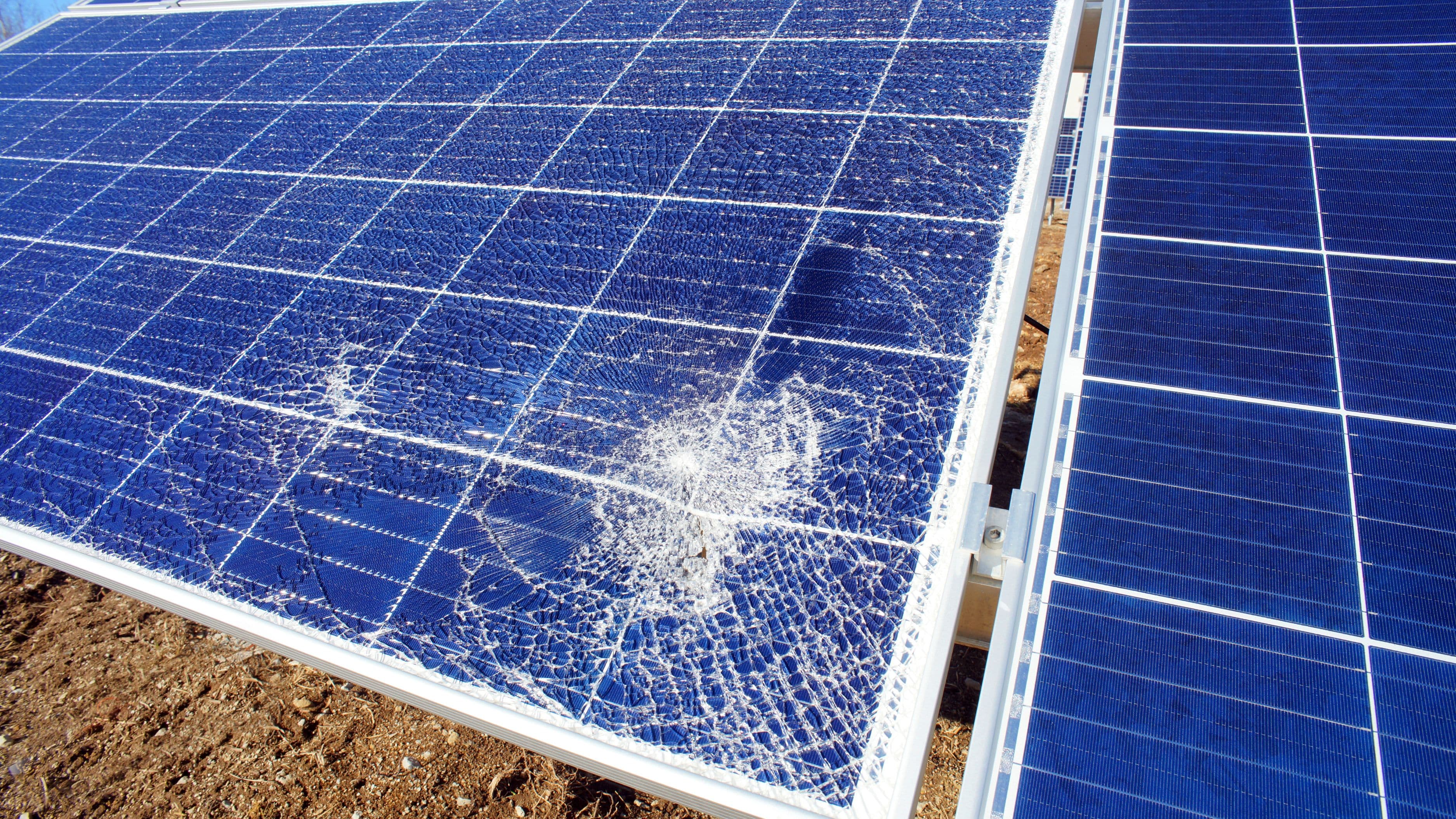
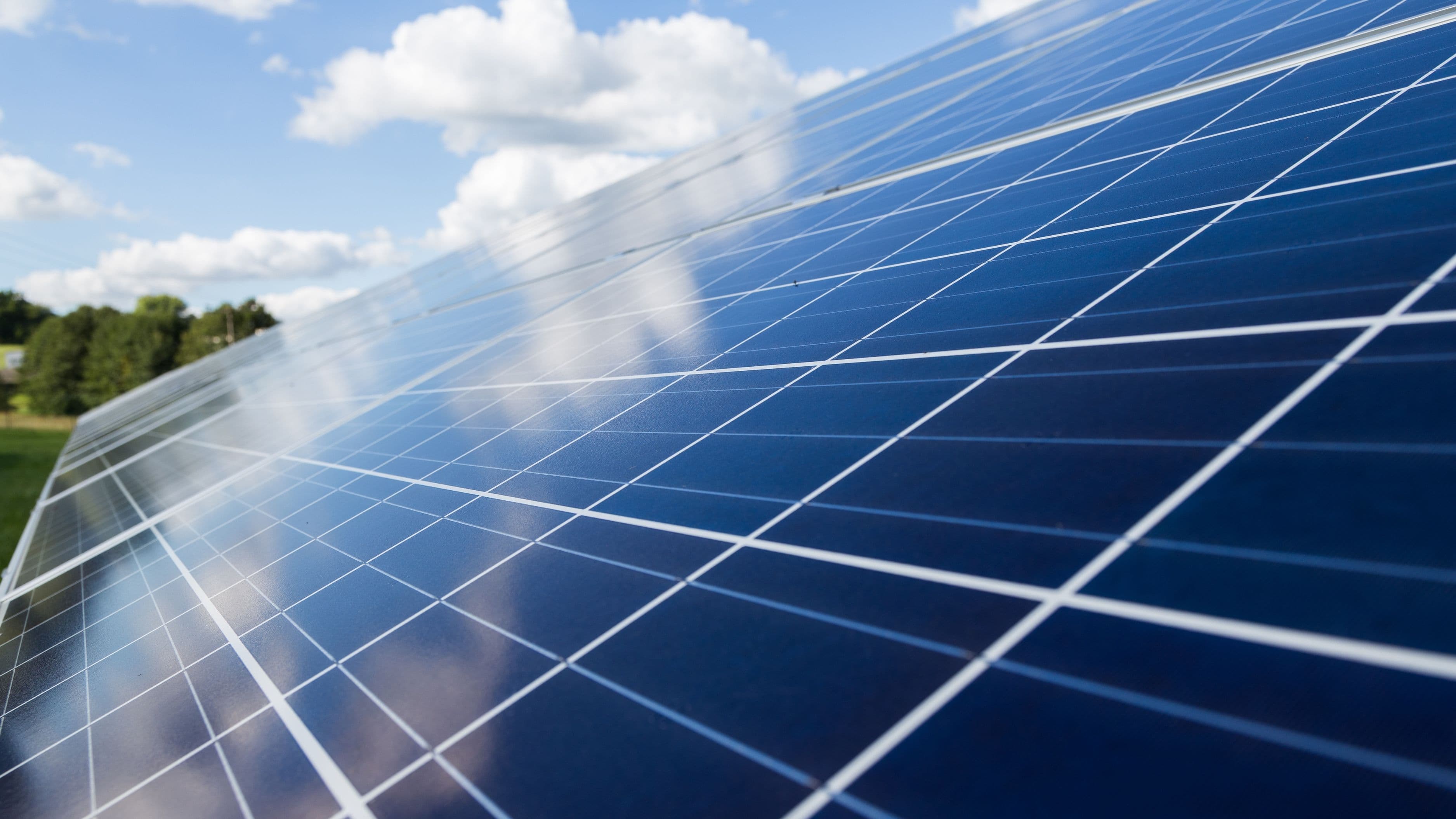
Panel-level monitoring, available on most modern systems, lets you see production broken down by individual panel rather than just system-wide totals. This is particularly useful for catching localized issues, like one panel underperforming due to shading, debris, or a hardware fault, that would be invisible in an aggregate number alone.
Reading the Warning Signs
A sudden, sharp drop in production that isn't explained by weather usually points to either an inverter fault or a tripped breaker somewhere in the system. Most apps will flag this directly with an error code or alert notification, though it's worth knowing that a brief red flag after a storm or power outage often resolves itself once the system automatically resets.
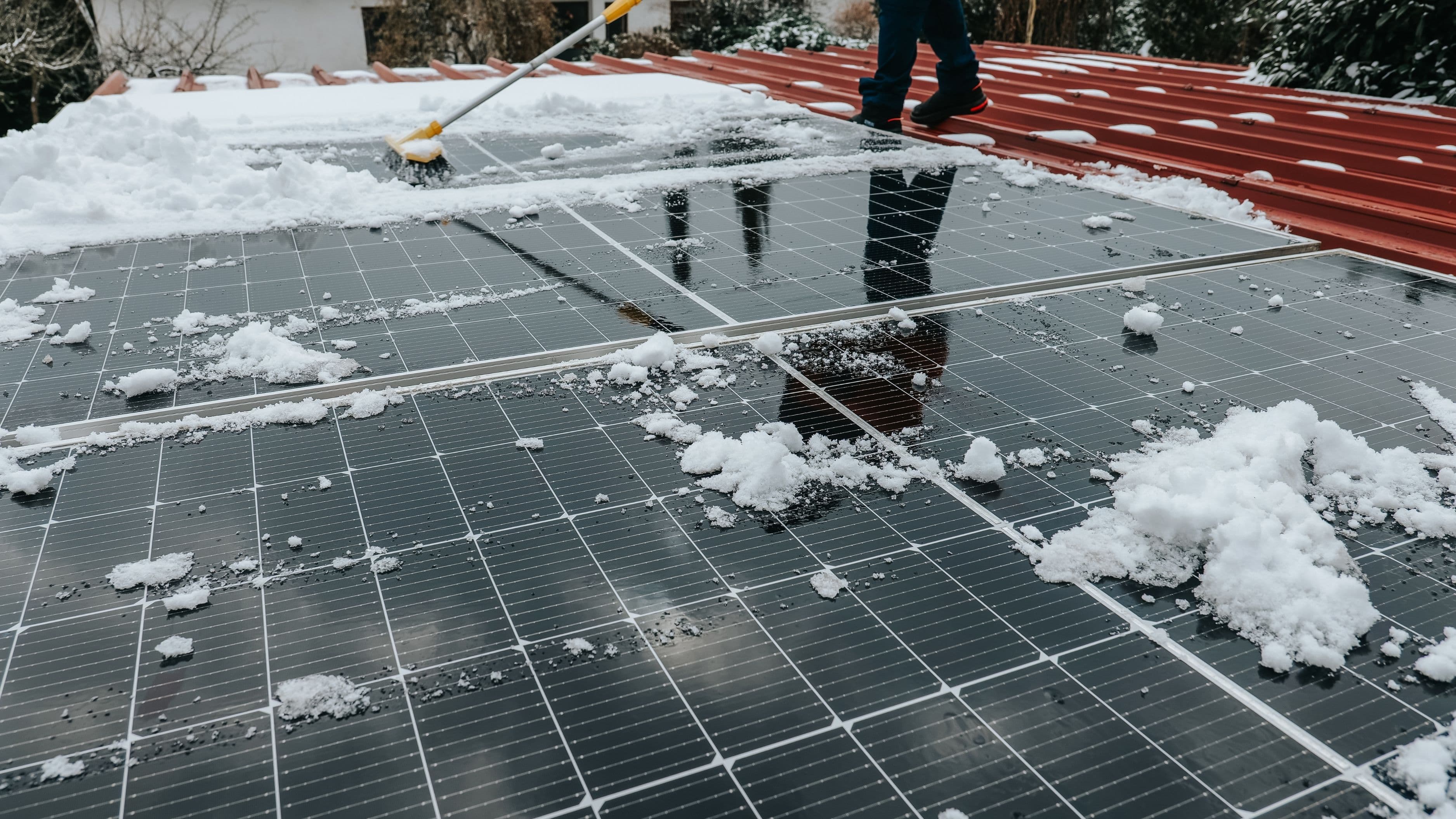
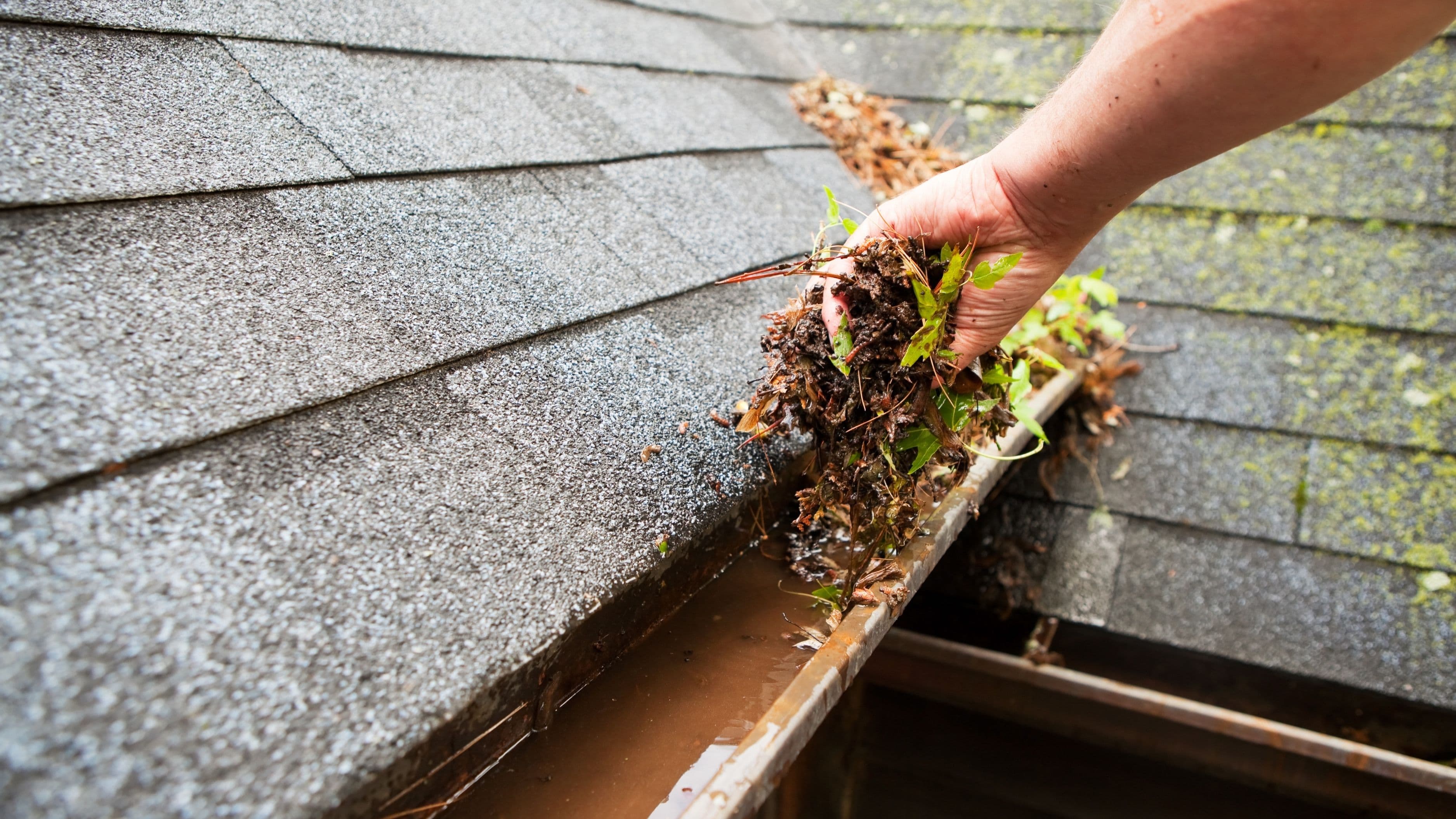
A gradual decline over weeks or months, rather than a sudden drop, is more often related to panel soiling, dust, pollen, or debris accumulating on the surface, and can typically be resolved with a simple cleaning rather than a repair call.
Setting Up Alerts So You Don't Have to Check Manually
Most monitoring apps let you configure push notifications for specific events, system offline, production below a set threshold, or hardware fault codes. Setting these up once means you don't need to open the app daily just to confirm everything's working, the app will tell you if something needs attention.
This is particularly useful for catching problems quickly, since a fault that goes unnoticed for weeks can mean a meaningful chunk of lost production and a bigger bill than necessary before it gets addressed.
What to Avoid
Don't ignore persistent app-reported errors assuming they'll resolve themselves, while some faults do clear after a system reset, a recurring error code is worth reporting to your installer rather than repeatedly dismissing. Avoid relying solely on total production numbers without occasionally checking panel-level data, since averaged numbers can mask a single underperforming panel for a long time. And don't assume a temporary Wi-Fi disconnection means your solar system itself has stopped working, monitoring connectivity issues and actual production issues are two different problems.
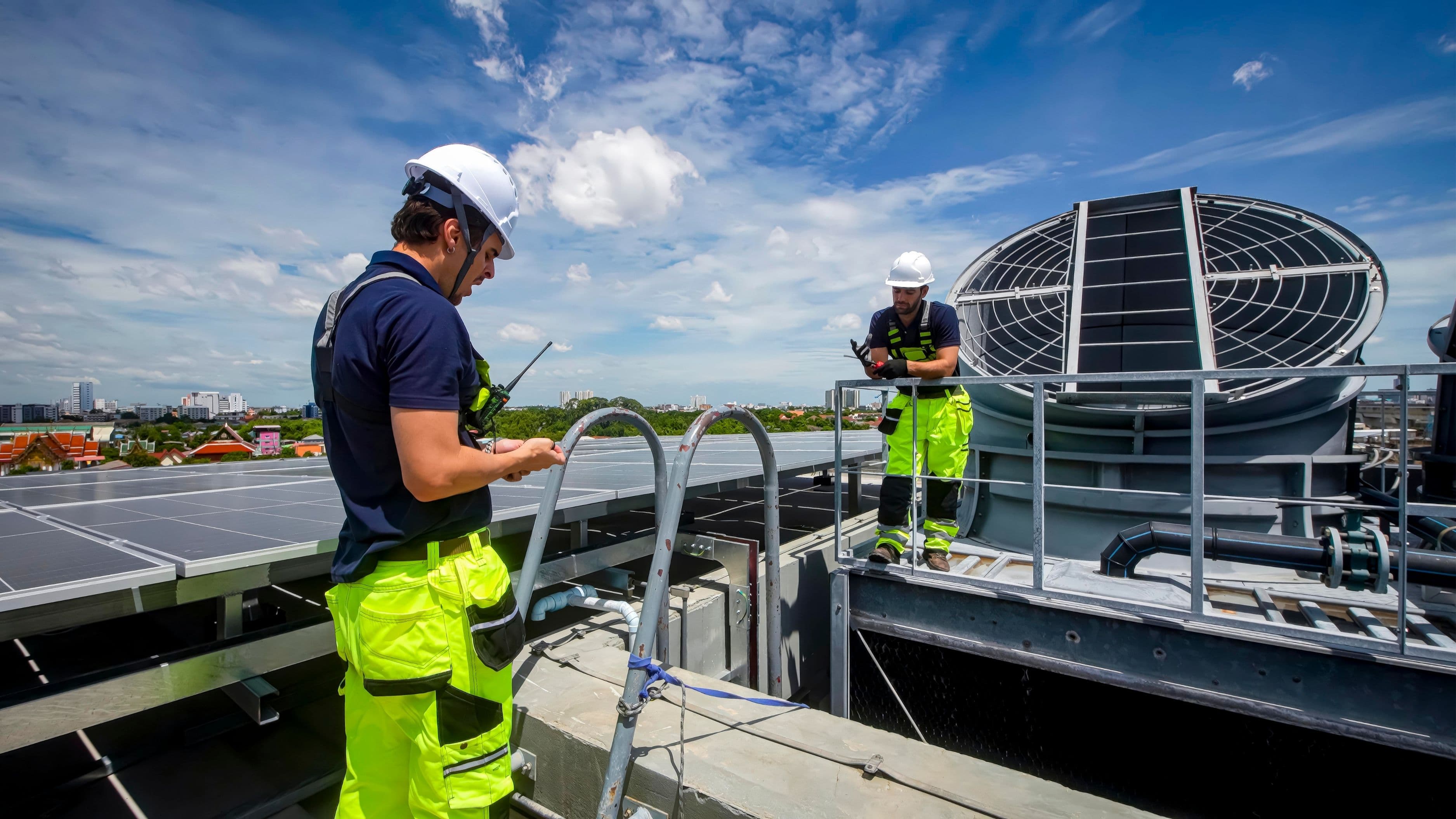
If you notice a genuine, unexplained production drop that persists after checking for weather, shading, and connectivity issues, it's worth calling a licensed solar technician rather than troubleshooting hardware issues yourself, since working near an active solar array involves real electrical risk.
FAQ
Do I need to pay for solar monitoring? Most manufacturer apps are included free with your system, though some advanced analytics or extended data history features may require a subscription depending on the platform.
Can I monitor my system if I don't have Wi-Fi at home? Some systems support cellular monitoring as a backup or alternative, though this typically requires additional hardware and sometimes a service fee, worth asking your installer about during installation.
How often should I actually check the app? A quick weekly glance is usually sufficient if you've set up alerts for major issues, daily checking isn't necessary once you're familiar with your system's normal patterns.
The Bottom Line
A solar monitoring app turns your panels from a mystery box on the roof into a system you can actually understand and manage. Set up alerts, check panel-level data occasionally, and you'll catch most issues, dirty panels, a failing microinverter, a lost connection, long before they become a real dent in your energy savings.
📚 Sources
Enphase Energy – Enlighten Monitoring App Overview – enphase.com
SolarEdge – Monitoring Platform Documentation – solaredge.com
U.S. Department of Energy – Homeowner's Guide to Solar Financing and Monitoring – energy.gov/solar