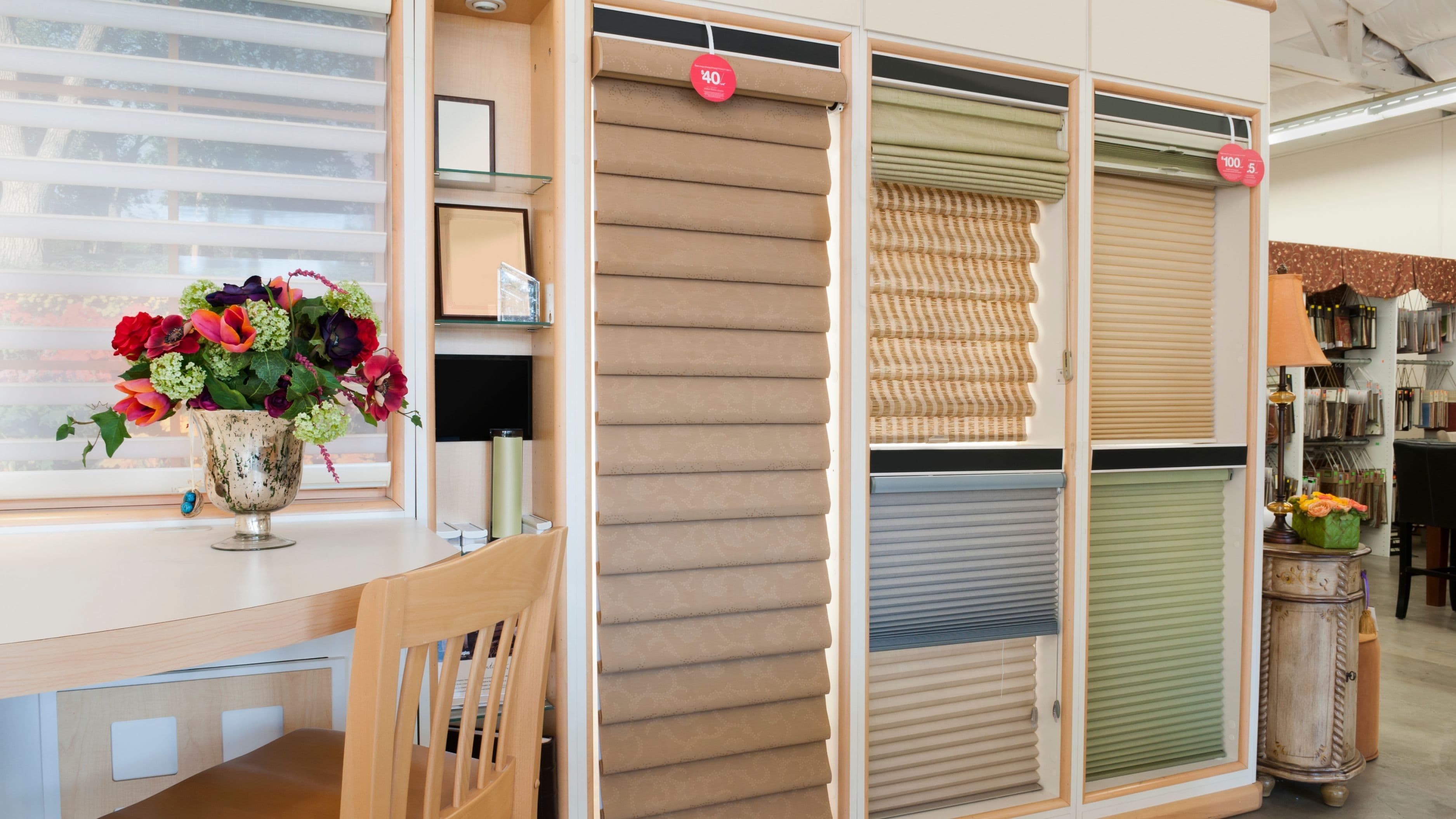



Here's the reassuring part: on most smart blinds, those settings aren't stored in the batteries at all. This guide walks you through replacing batteries safely so your blinds keep working exactly the way you set them.
Why Settings Usually Survive a Battery Swap
Most motorized blinds store their upper and lower limits in the motor's internal memory, which doesn't need battery power to hold that information. Schedules, scenes, and automations typically live in the brand's app, hub, or your smart home platform like Apple Home, Google Home, or Alexa.
That said, a small number of motors can lose limit settings after a long period without power, and some older models behave differently. That's why the prep steps below matter. They take a few minutes and protect you if your motor turns out to be one of the exceptions.
Difficulty: Easy
Time: 10 to 20 minutes per blind
Cost: Usually a few dollars in batteries, or free for rechargeable models
Tools and Materials Needed
You'll need the correct replacement batteries (check your manual or the motor label), a sturdy step stool or ladder, and a small flat screwdriver if your battery compartment has a clip or screw. A phone for taking photos helps too, along with a soft cloth to protect the shade fabric.
For rechargeable models, you'll need the manufacturer's charging cable or wand charger. Using a different charger can deliver the wrong voltage, so stick with the original or an approved replacement.
Step-by-Step Process
Step 1: Document Your Current Settings
Before touching anything, open your blinds app and take screenshots of schedules, favorite positions, scenes, and any device names. If you use Apple Home, Google Home, or Alexa, note which automations include the blinds.
It's also worth jotting down where the blind currently stops at the top and bottom. If limits ever do reset, this gives you a clear target to restore quickly.
Step 2: Leave the Blind Paired
Do not remove or delete the blind from the app or hub. Deleting it is what actually wipes schedules and scenes. Replacing batteries with the device still paired lets it reconnect automatically once power returns.
Step 3: Move the Blind to a Mid Position
If the blind still responds, lower it partway. This makes the battery compartment easier to reach on many models, and it avoids stress on the motor if it recalibrates slightly when powered back on.
Step 4: Identify Your Battery Type
Smart blinds typically use one of three setups. Some have a battery tube or pack hidden in the headrail that holds standard AA or D-cell batteries. Others use a rechargeable battery pack inside the headrail or a detachable battery wand mounted behind the shade. A few use an external rechargeable wand you charge via USB.
Check your manual for the exact access method, because some headrails require popping off a cover or tilting the shade out of its brackets.
Step 5: Replace or Recharge
For standard batteries, replace all of them at once with fresh batteries of the same type and brand. Mixing old and new batteries, or different chemistries, can cause uneven drain and even leakage. Check the polarity markings carefully as you insert each one.
For rechargeable packs, disconnect the pack if the manufacturer recommends it, charge it fully, and reconnect. Many packs have an indicator light that turns green or shuts off when fully charged.
Work quickly but calmly – shorter power-off times reduce any small risk of the motor losing memory.
Step 6: Reinstall and Test
Reattach the battery tube, cover, or wand and reseat the shade in its brackets if you removed it. Give the motor a minute to reconnect. Then use the app or remote to run the blind fully up and fully down.
Confirm it stops at the same limits as before, and run a scheduled scene manually to make sure automations still work.
Safety Notes
Use a stable ladder and don't overreach – falls are the most common injury in window-covering projects. Never charge a rechargeable pack that's swollen, cracked, or leaking. Dispose of damaged lithium-ion batteries through a proper recycling drop-off rather than household trash, since they can pose a fire risk.
If your blinds are hardwired rather than battery-powered, this guide doesn't apply. Hardwired motors should be serviced with power off at the breaker, ideally by a licensed electrician.
Common Mistakes to Avoid
The most common mistake is deleting the blind from the app to "reset" it, which erases schedules and scenes. The second is using cheap mixed batteries, which shorten run time and can leak inside the headrail.
Other mistakes include using a non-approved charger, forcing the headrail cover open, and assuming a blind is broken when the battery pack simply isn't fully seated. If the blind doesn't respond after replacement, reseat the batteries or pack before troubleshooting further.
What to Do If Settings Do Reset
If limits reset, don't panic. Most brands let you reset limits from the app or with a button sequence on the motor – your manual will show the exact steps. Use the notes you made in Step 1 to restore the top and bottom positions.
If the blind disappeared from your app entirely, try restarting your hub before re-pairing. Re-pairing should be a last resort because it may require rebuilding schedules and scenes. If the motor still won't respond, contact the manufacturer's support, especially if you're still under warranty.
FAQ
How long do smart blind batteries last?
It depends on use and the model, but many battery-powered blinds run several months to a year between charges or replacements. Frequent movement, cold rooms, and weak signal can shorten that.
Can I use rechargeable AA batteries?
Check your manual. Some motors are designed around the voltage of standard alkaline batteries and may perform poorly with rechargeables.
Will my schedules disappear during the swap?
Usually not, since schedules are stored in the app or hub. Keeping the blind paired is what protects them.
Why does my blind move slowly even after new batteries?
Check battery seating and polarity first. If the problem continues, the motor may need recalibration or professional service.
Final Thoughts
Replacing smart blind batteries is one of the easiest bits of home maintenance you'll do. Snap a few screenshots, keep the blind paired, swap or charge the batteries correctly, and test before you walk away.
Build a quick check into your seasonal maintenance routine and you'll catch low batteries before they leave your blinds stuck halfway.
📚 Sources
U.S. EPA – Used Lithium-Ion Batteries: https://www.epa.gov/recycle/used-lithium-ion-batteries
U.S. Consumer Product Safety Commission – Window Covering Safety Education Center: https://www.cpsc.gov/Safety-Education/Safety-Education-Centers/Window-Covering-Safety-Center
Apple Support – Set up your home hub: https://support.apple.com/en-us/102557
Call2Recycle – Battery recycling locator: https://www.call2recycle.org/locator/