
What a Universal Remote Can Actually Control
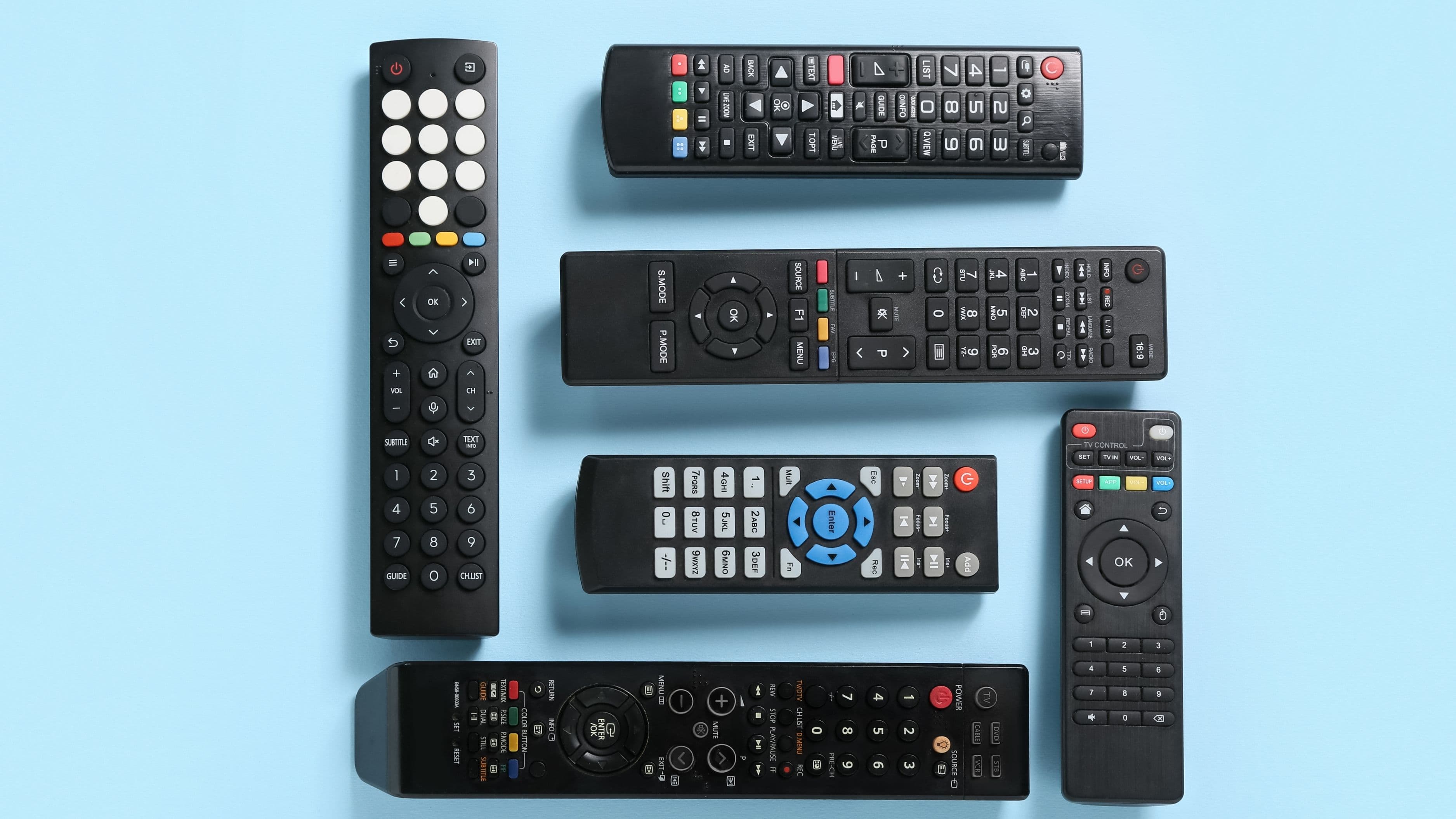
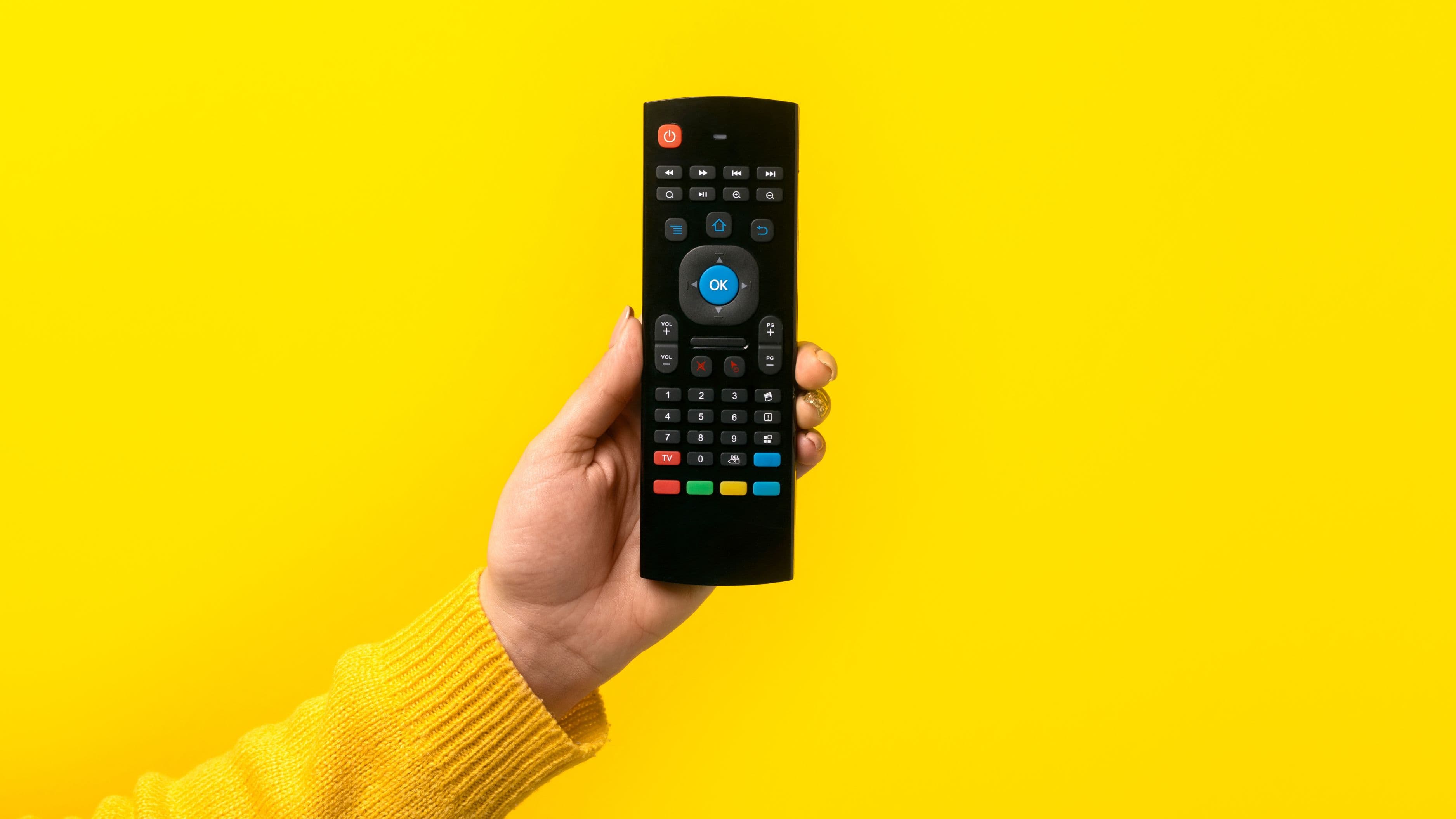
Modern universal remotes are built to control multiple device types simultaneously, TVs, cable and satellite boxes, streaming devices, soundbars, and even some smart home components, all through pre-programmed code libraries covering thousands of device models. For standard functions, power, volume, input switching, channel changes, playback controls, a well-chosen universal remote genuinely covers everything most households use on a daily basis across all five devices.
Where It Works Smoothly
Combining a TV, streaming device, and soundbar under one remote tends to be the most reliable setup, since these three devices typically only need basic controls, power, volume, and navigation, that map cleanly onto a universal remote's button layout. Cable and satellite boxes also program in easily for basic channel and guide navigation, making a four or five-device consolidation realistic for the vast majority of standard home entertainment setups.
Where It Gets More Complicated
Specialized or highly customized functions are where universal remotes sometimes fall short. If your soundbar has unique EQ presets accessed through dedicated buttons, or your cable box has a specific DVR function tied to a button that doesn't map to a standard universal remote layout, you may need to keep the original remote nearby for those less common functions. Higher-end universal remotes with customizable touchscreens or app-based controls handle this better than basic button-based models, since they can be programmed with additional custom commands beyond the standard preset library.
Comparing Your Options
Basic button-based universal remotes are the most affordable option and handle standard functions across four to five devices reliably, but they're limited to the number of physical buttons available, which can force you to skip less common functions if the code doesn't map perfectly. Mid-range universal remotes with small screens or additional programmable buttons offer more flexibility for custom commands, closing much of the gap for households with slightly more specialized equipment. App-based universal remote solutions, which use your smartphone as the control interface, offer the most flexibility since the "buttons" are entirely software-based and can be customized extensively, though this option depends on always having your phone handy and charged.
Who Should Choose Which Option
If your setup is a standard TV, streaming device, and soundbar with no unusual custom functions, a basic button-based universal remote will almost certainly cover everything you need without complication. If you have a more specialized cable or satellite setup with DVR functions or custom soundbar controls, a mid-range remote with customizable buttons gives you more flexibility to map those extra functions. And if you're comfortable relying on a smartphone as your primary remote and want maximum flexibility, an app-based system offers the broadest range of customization, provided you're not bothered by needing your phone charged and nearby.
How to Set It Up for Maximum Success
Start by listing every device you want to control and noting its exact brand and model number, since accurate codes are the foundation of a smooth setup. Program devices one at a time rather than trying to configure everything simultaneously, testing each device's full range of functions before moving to the next. Pay particular attention to any function you use daily that isn't a standard button, like a specific streaming app shortcut or a DVR record button, and check whether your remote model supports programming a custom button for it before assuming you're stuck using the original remote for that single function.
Realistic Expectations
A single universal remote can genuinely replace the daily function of four or five separate remotes for the vast majority of households, and most people find they never reach for the original remotes again after a proper setup. That said, don't expect a completely seamless transition on day one if you have specialized equipment, there's often a short adjustment period where you're identifying which less-common functions need extra attention or a workaround.
What to Avoid
Don't buy the cheapest possible universal remote without checking whether it supports your specific device brands, some budget models have smaller code libraries that may not include newer or less common device models. Avoid throwing away your original remotes immediately after setup, keep them in a drawer for at least a month in case you discover a specialized function that didn't transfer over cleanly. And resist trying to program all five devices in a single rushed session, testing thoroughly one device at a time saves significant troubleshooting time later.
FAQ
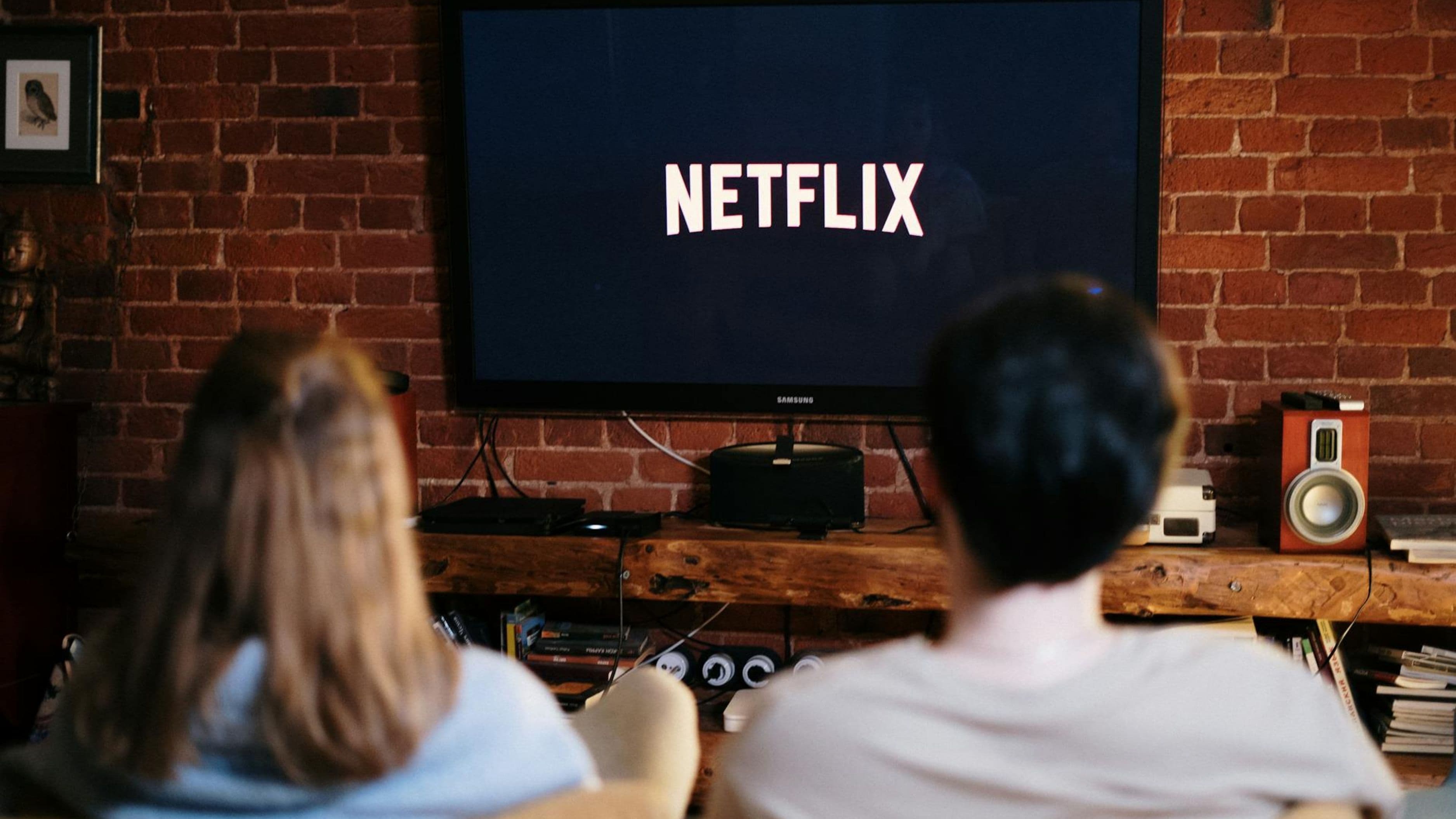
Will a universal remote work with smart TVs and streaming apps like Netflix? Most universal remotes support basic navigation and app launching on smart TVs, though very app-specific shortcuts, like jumping directly to a specific show, typically still require your TV's original remote or the app on your phone.
Do I need to keep any of my original remotes after setup? It's smart to keep at least the remotes for any specialized equipment like a soundbar with unique settings, tucked away as a backup in case you discover a missing function later.
Are app-based universal remotes reliable enough to fully replace physical remotes? For most people, yes, especially if your phone is usually within reach. The main downside is dependency on battery life and Wi-Fi or infrared compatibility, which physical remotes don't require.
📚 Sources
Logitech Harmony – Compatible Devices and Code Library: https://support.logi.com/hc/en-us
Consumer Reports – How to Simplify Your Home Entertainment Remotes: https://www.consumerreports.org/electronics/