
The short version: motorized shades can move on their own, but smart blinds can also talk to the rest of your smart home. That distinction matters depending on what you're actually trying to accomplish. Let's break it down properly so you can make a decision that fits your home and your budget.
What Motorized Shades Are
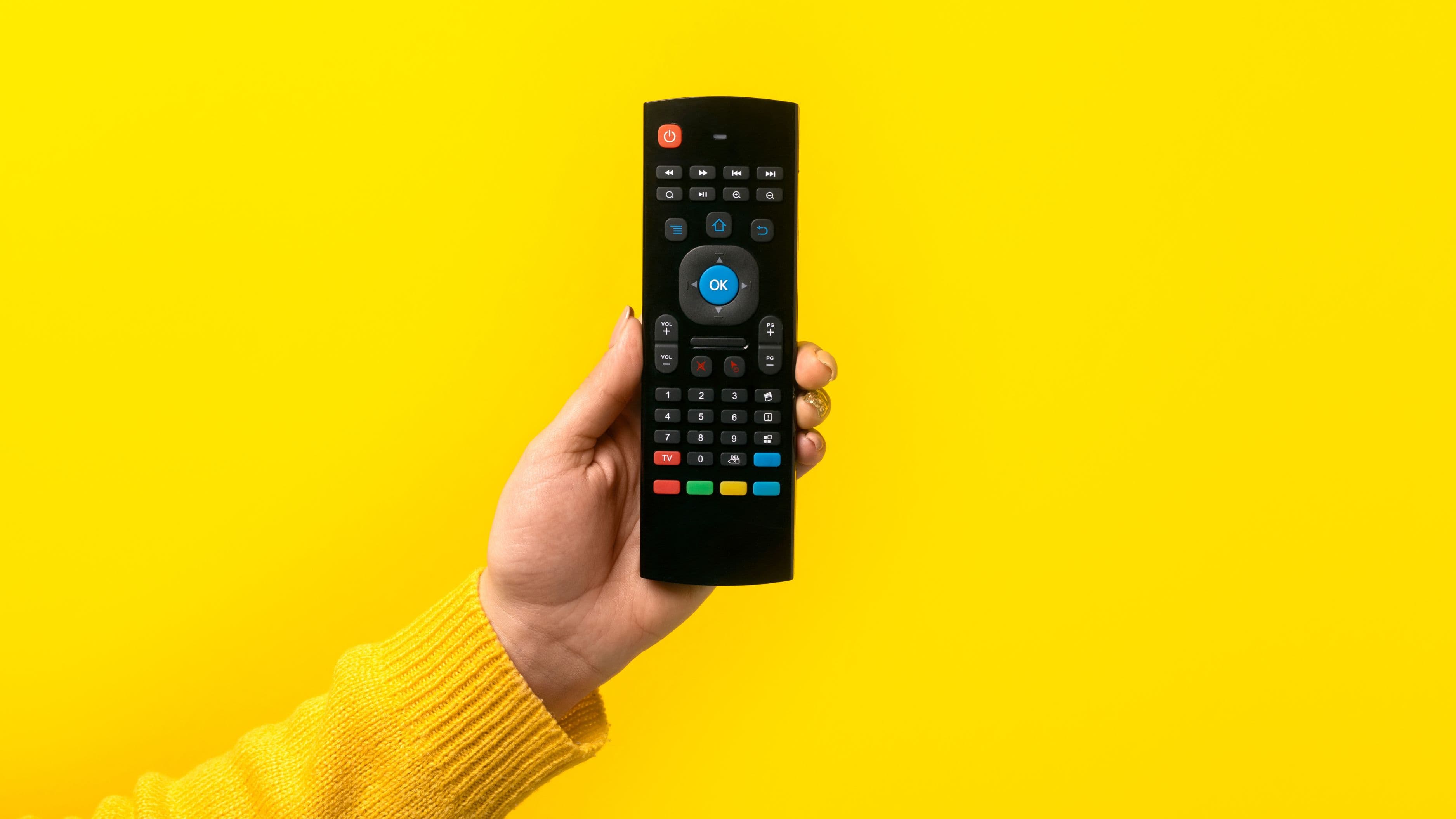
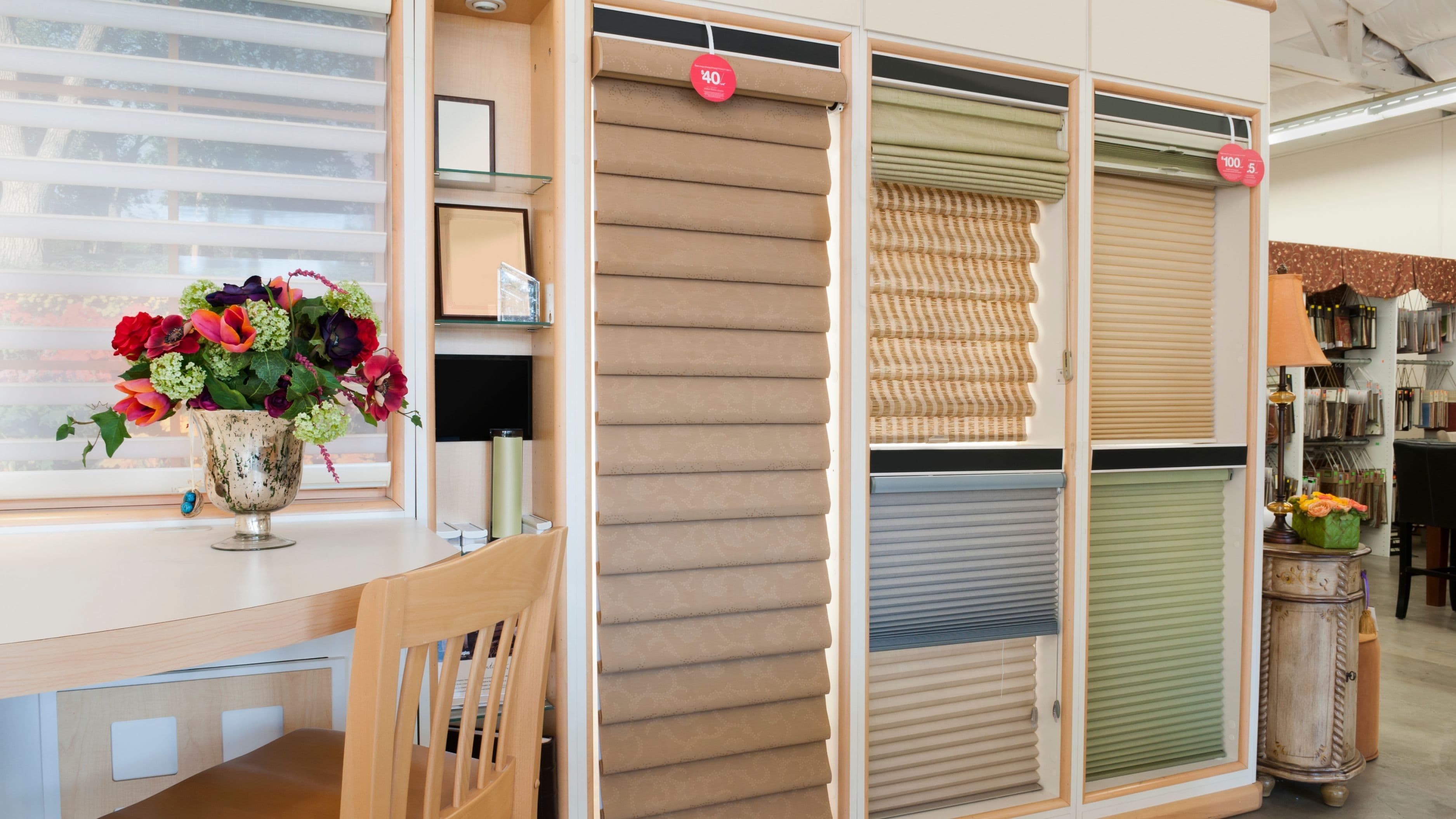
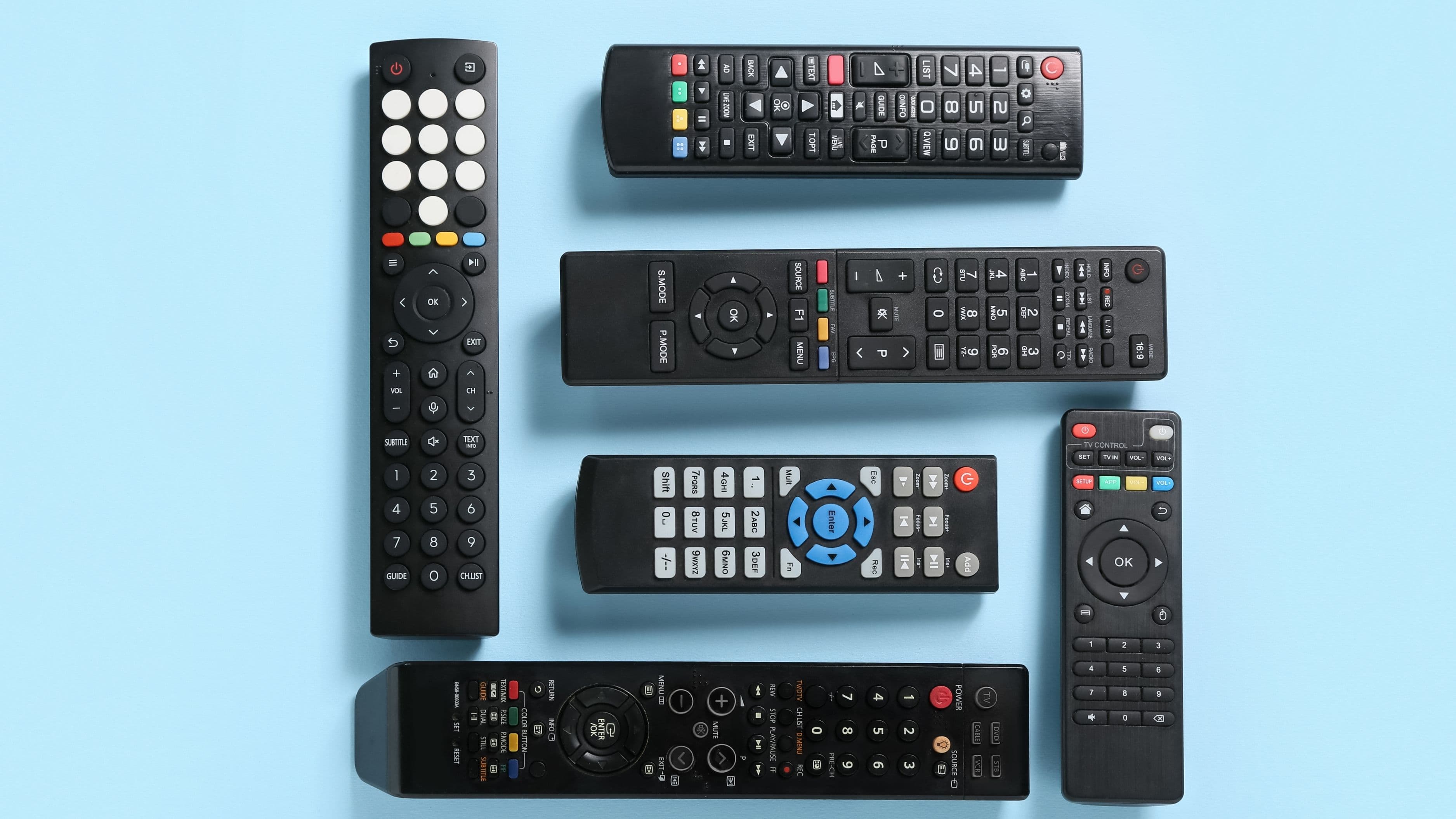
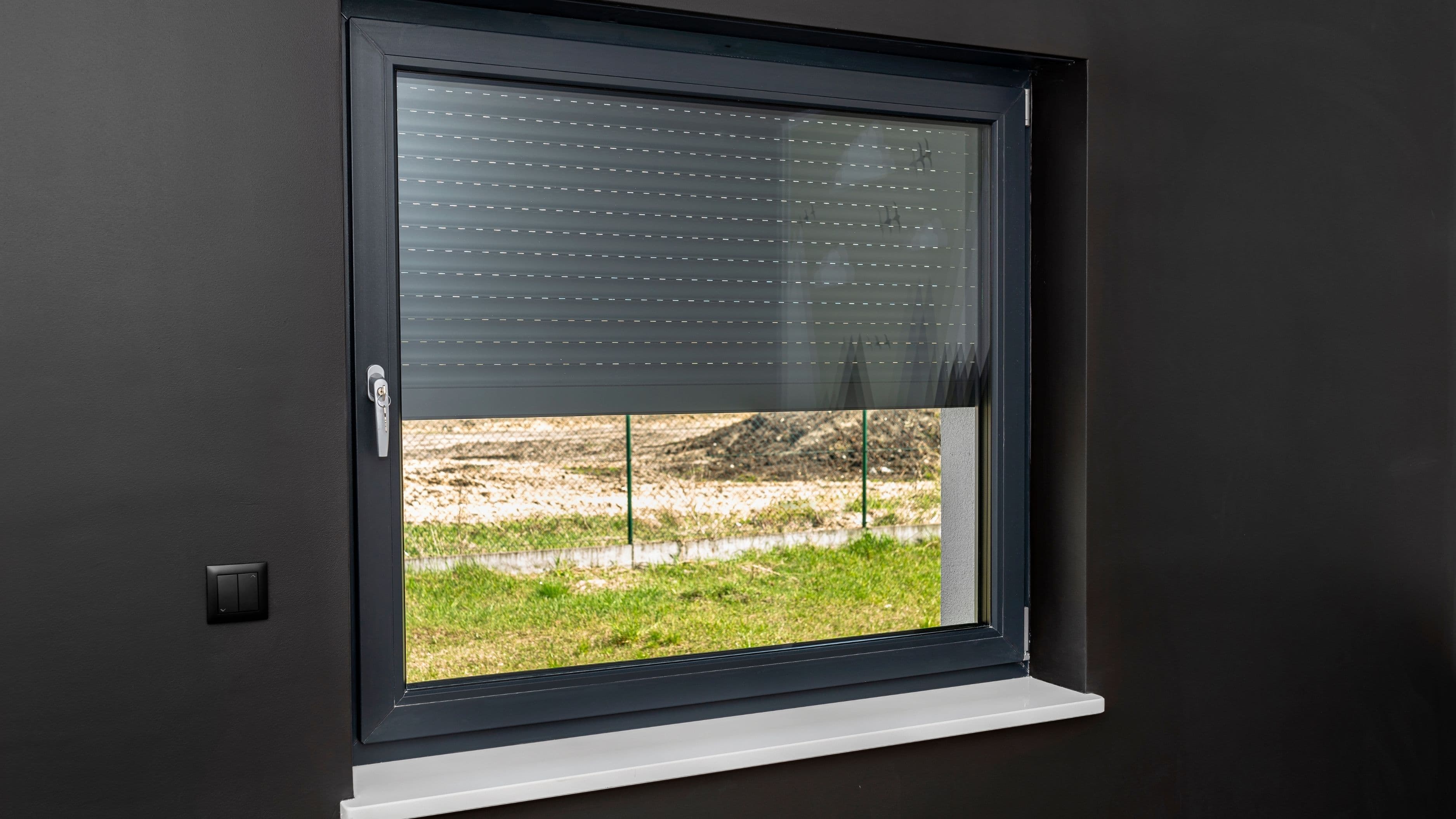
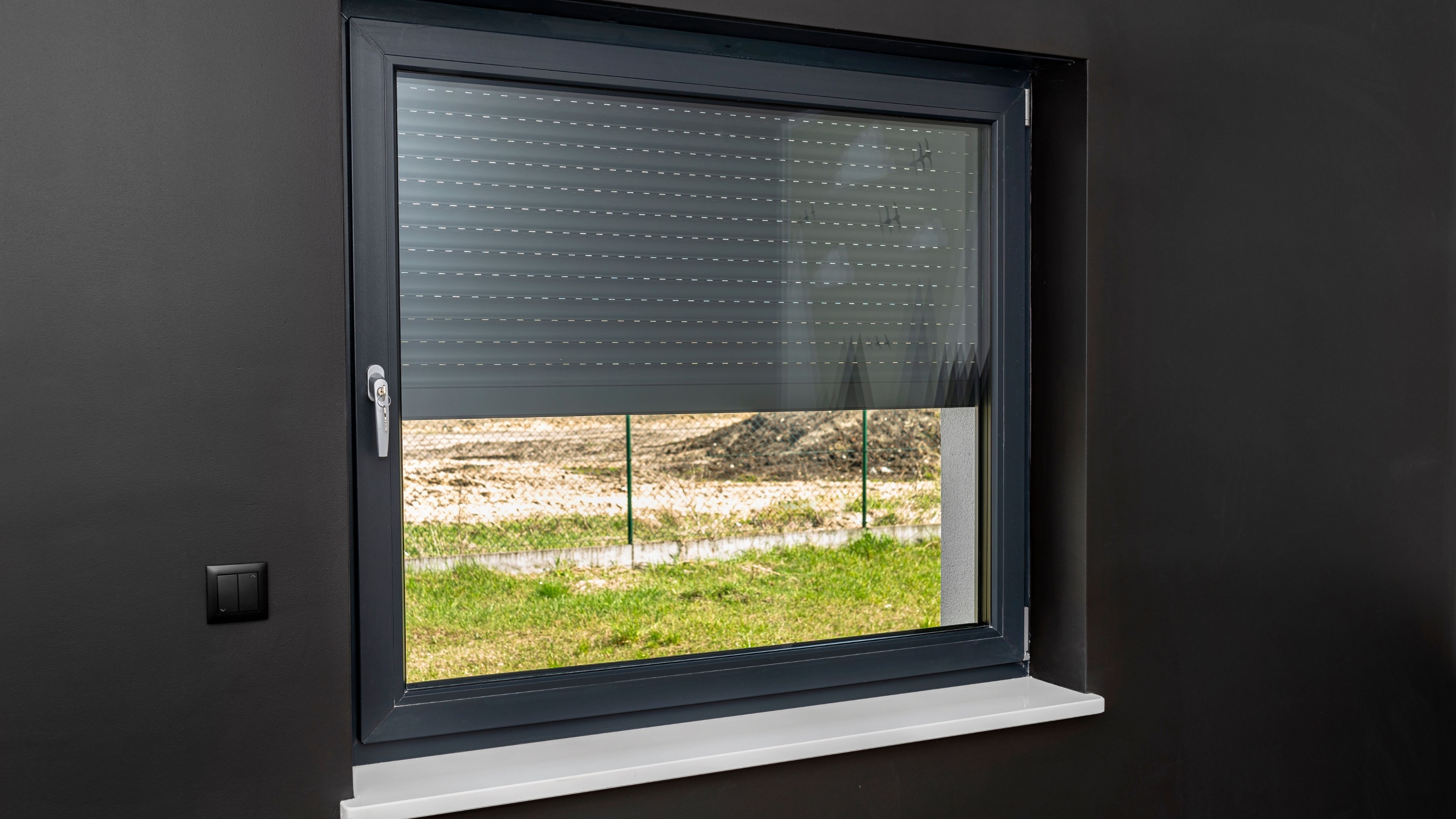
Motorized shades are window coverings – typically roller shades, cellular shades, or similar styles – that use an electric motor built into the headrail to raise and lower automatically instead of being pulled by hand. You control them with a remote, a wall switch, or a button on the shade itself. That's it. They move at the press of a button, which is genuinely convenient, but they aren't connected to Wi-Fi, they don't respond to voice commands, and they can't be controlled from your phone unless they have additional smart features built in.
The motor is usually powered one of two ways: by a rechargeable battery pack built into the shade, or by a hardwired low-voltage connection to your home's electrical system. Battery-powered motorized shades are much easier to install because you're not running any wiring – you mount them much like a standard shade and charge the battery every few months. Hardwired motorized shades require either existing wiring in the wall near the window or a professional to run new wire, which adds to both the complexity and the cost.
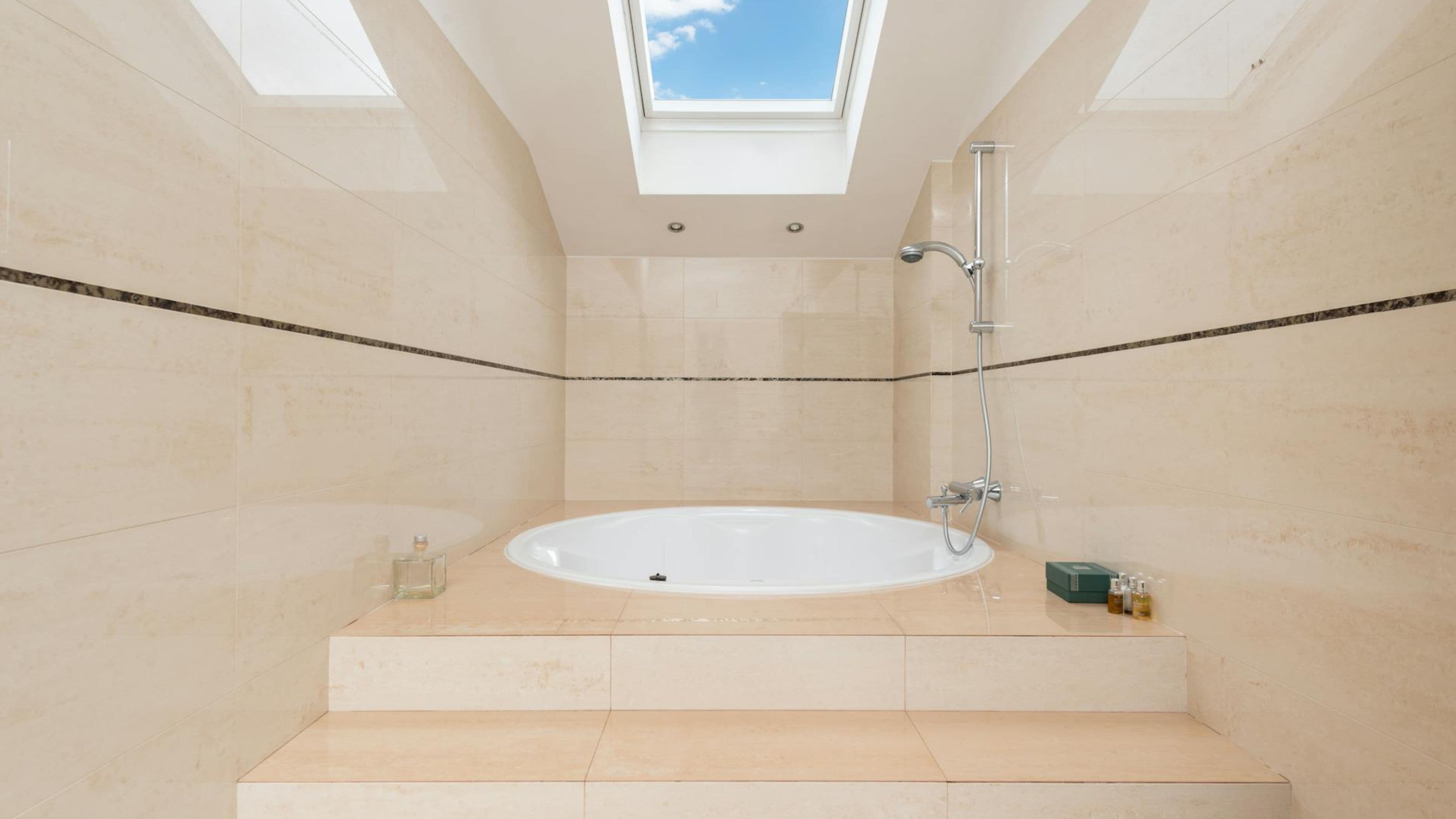
Motorized shades are a great fit if you have windows that are hard to reach – high transoms, skylights, windows above a staircase – or if you just want a cleaner look without dangling cords. They're also the right choice for anyone who doesn't want to deal with a smart home system but still wants the convenience of one-touch operation.
What Smart Blinds Are
Smart blinds are motorized window coverings that also connect to your home network via Wi-Fi or a hub like Zigbee or Z-Wave, allowing them to be controlled through a smartphone app, integrated with a smart home platform like Google Home, Amazon Alexa, or Apple HomeKit, and set on automated schedules. Some models also respond to sensors – opening automatically at sunrise or closing when a temperature threshold is reached.
The "smart" part is the connectivity layer on top of the motor. A smart blind can do everything a motorized shade can do (remote control, button press), and also do things like: close all the blinds in the house at once from the same app, set a schedule so your bedroom shades open gradually in the morning, or connect to a smart thermostat to reduce heat gain during summer afternoons. If you're building out a connected home or you're already using a smart home ecosystem, that integration is where the real value lies.
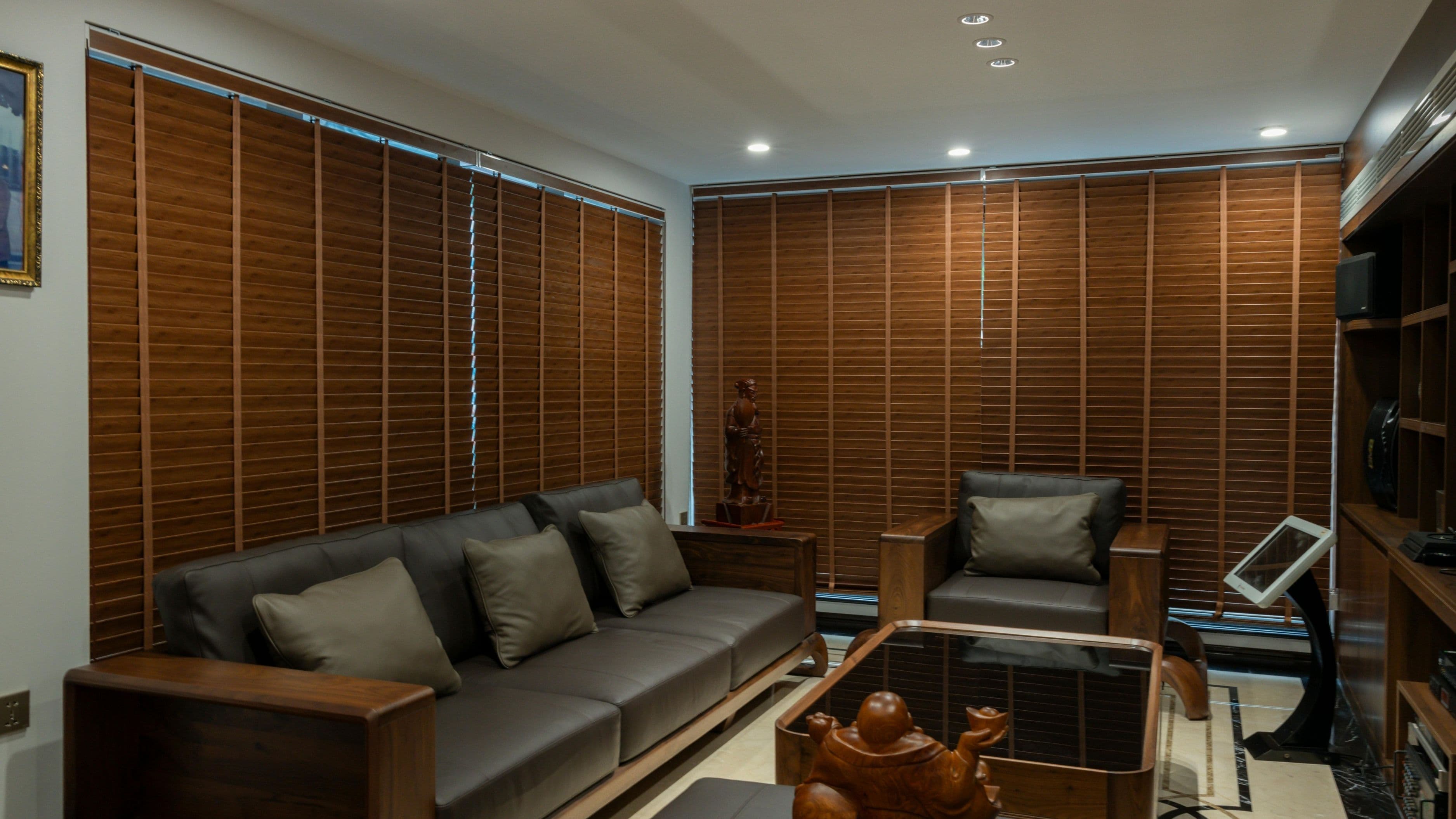
Smart blinds come in all the same shade styles as motorized ones – roller, cellular, Roman, even horizontal slatted blinds with motorized tilt and lift. The connectivity options vary significantly by brand and price point. Some use Wi-Fi directly, meaning no additional hub is needed. Others use Zigbee or Z-Wave, which are more reliable wireless protocols for smart home devices but require a compatible hub like a SmartThings hub or an Amazon Echo with built-in Zigbee.
The Core Differences Side by Side
The easiest way to think about this is that motorized shades are about convenience, and smart blinds are about integration and automation. A motorized shade gives you a remote. A smart blind gives you a remote, an app, voice control, scheduling, and the ability to connect to other smart home devices.
Control method is the most practical difference. Motorized shades are typically controlled by a dedicated remote or wall switch – you need to have that remote nearby or press the switch on the wall. Smart blinds can be controlled from anywhere your phone has a signal, which means you can close your blinds while you're at work if you forgot, or open them from bed without getting up.
Automation is where smart blinds pull ahead significantly. You can set a smart blind to close every day at 2 PM when the afternoon sun hits the west-facing windows, or to open at 7 AM on weekdays. A motorized shade requires you to press a button each time.
Installation complexity is roughly the same between the two, assuming you're going battery-powered for both. The smart blind just needs to be paired with your Wi-Fi or hub after mounting, which takes an extra 10–15 minutes but isn't difficult. If you're hardwiring either type, you're looking at similar electrical work.
Price is where the gap becomes noticeable. Entry-level motorized roller shades start around $100–150 per window for decent quality. Smart blinds from reputable brands – IKEA FYRTUR, Lutron Serena, Hunter Douglas PowerView – typically start around $150–250 per window and climb significantly from there for larger windows or premium materials. A whole-house install of smart blinds from a premium brand can easily run into the thousands, which is why it's worth being honest about whether you'll actually use the smart features before committing.
Which One Makes More Sense for Your Situation
If your goal is simply to avoid manually pulling cords on hard-to-reach windows or to make life easier in a specific room, motorized shades are likely all you need. They're straightforward to install if you go battery-powered, they don't require any kind of app or Wi-Fi setup, and the ongoing maintenance is minimal – just recharging the battery a couple of times a year with a USB cable on most models.
If you're already using a smart home system or you're planning to build one out, smart blinds are worth the premium. The scheduling feature alone is practical enough to justify the extra cost for most people – especially for bedrooms, where waking up to gradually increasing light is noticeably better than a jarring alarm, and for rooms with significant sun exposure where automated closing during peak hours reduces your cooling load meaningfully.
If you're renting, both types can work without permanent modifications when you choose battery-powered models with a tension mount or an inside-mount bracket. Just check your lease on modifications before mounting anything that requires drilling, since even small holes in a window frame can be an issue with some landlords. Battery-powered motorized or smart shades are among the cleaner upgrade options for renters compared to most other window treatments.
For one or two problem windows – a skylight, a high window above a staircase, or a window behind furniture that's difficult to access – a standalone motorized shade is a straightforward and cost-effective fix. For a living room or bedroom where you want integrated control and scheduling as part of a broader smart home setup, smart blinds are the better long-term investment.
Installation: What to Expect
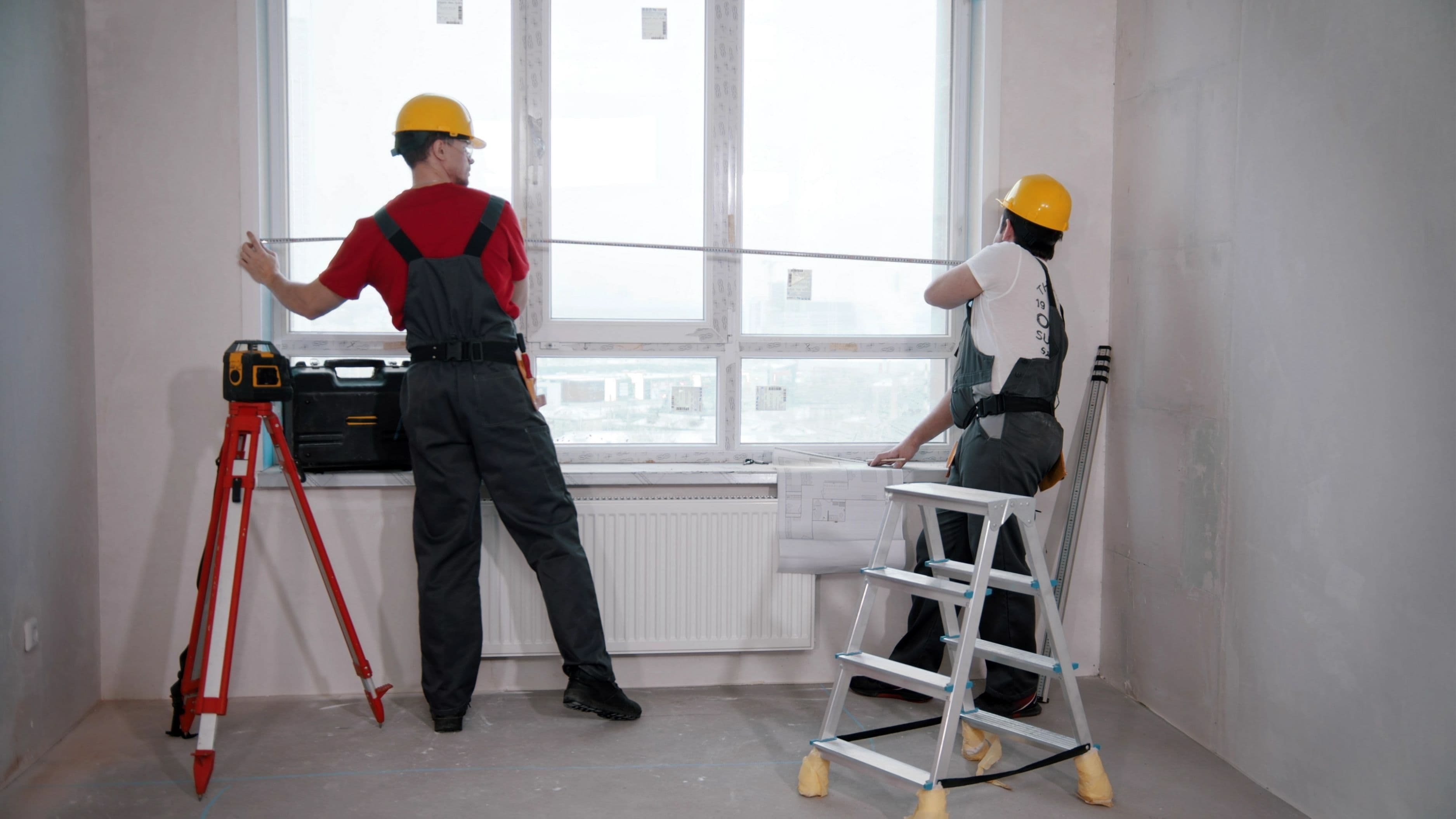
Both battery-powered motorized shades and smart blinds install almost identically to standard window coverings. You measure the window width and height, order to size or cut to fit depending on the product, mount the brackets inside or outside the window frame, snap the shade in, and charge it up. Most people with basic DIY experience can do a single window in 30–45 minutes on their first attempt and faster after that.
The additional step for smart blinds is pairing the shade to your home network or hub. This is done through the manufacturer's app, which walks you through the process. On Wi-Fi-based systems like the IKEA FYRTUR with the DIRIGERA hub or the Lutron Serena line, you download the app, follow the pairing steps, and within a few minutes the shade shows up as a controllable device. On Zigbee or Z-Wave systems, you pair through your existing hub's app. Either way, it's comparable in effort to setting up any other smart home device.
Hardwired installation is a different story and isn't a beginner DIY project if it involves running new wire. If you have existing low-voltage wiring near your windows – from older motorized shades, for example – swapping in a new hardwired motor is manageable. If new wiring needs to be run, that's a job for an electrician, and it's worth getting a quote before assuming it's a simple upgrade.
What to Avoid
One of the most common mistakes people make with motorized or smart shades is buying based on price without checking compatibility with the smart home ecosystem they already use. Some budget smart blind systems have their own apps but don't integrate with Alexa, Google Home, or HomeKit at all, which means you end up with a separate app for your blinds that doesn't work with the rest of your setup. Before buying, check whether the product explicitly lists compatibility with the platform you use.
Another pitfall is underestimating how quickly the cost adds up across multiple windows. A single smart blind at $200 seems reasonable; eight windows at $200 each is $1,600 before installation. If budget is a concern, start with the two or three windows where smart control would be most useful – usually the bedroom and the main living area – and expand from there rather than committing to a whole-house install upfront.
It's also worth being realistic about battery life. Most battery-powered motorized and smart shades advertise battery life of six months to a year, but that's under average use conditions. In a high-traffic room where the shades go up and down multiple times a day, you'll recharge more frequently. This isn't a dealbreaker – the recharge process with most modern shades is as simple as plugging in a USB cable – but it's something to plan for.
Finally, be cautious with very cheap no-name motorized shades from unverified sellers. The motor quality varies enormously at the low end, and a failed motor in a shade is not economically worth repairing – you're typically replacing the whole unit. Sticking with brands that have established customer support and replacement parts available (IKEA, Lutron, Hunter Douglas, Soma, and similar) gives you better recourse if something goes wrong.
FAQ
Can I convert my existing manual blinds to motorized or smart?
For roller shades and some cellular shades, retrofit motorization kits exist that add a motor to your existing shade without replacing it entirely. The Soma Smart Shades and similar retrofit products clip onto many standard roller shades. Results depend heavily on the shade's compatibility and weight, so check the product specs carefully against your existing hardware before buying.
Do smart blinds work without internet?
Most smart blinds retain basic functionality during an internet outage – a remote or wall switch will still work, and some systems allow local control through the hub even without internet. The app-based features and voice assistant integration require an internet connection. Full functionality returns when connectivity is restored.
What's the best smart blind system for someone already using Amazon Alexa?
The IKEA FYRTUR with the DIRIGERA hub works with Alexa and is one of the most affordable entry points for smart blinds that integrate with a major platform. Lutron Serena shades offer more premium options with excellent Alexa integration. The Soma Smart Shades retrofit kit is worth looking at if you want to add Alexa control to shades you already own.
How long do the batteries typically last?
Battery life varies widely by usage frequency, motor type, and shade size. Under average use – opening and closing once or twice a day – most battery-powered motorized shades last three to six months per charge. Lighter shades on smaller windows tend toward the longer end; heavy blackout shades on large windows toward the shorter end.
Is professional installation worth it for smart blinds?
For battery-powered smart blinds, professional installation is rarely necessary if you're comfortable with basic mounting and following a pairing app. It's worth considering for large windows where measuring and mounting accuracy matters more, or if you're doing a whole-house install and want everything set up and programmed at once. For hardwired systems, professional installation is strongly recommended unless you have electrical experience.
The difference between motorized shades and smart blinds comes down to what level of control you actually want. Motorized shades are a solid, low-maintenance upgrade for any window that's inconvenient to operate manually. Smart blinds are the right choice when you want scheduling, app control, and integration with the rest of your home. Either way, the installation is well within DIY territory if you go battery-powered – and both options will make you wonder why you waited this long to stop wrestling with cords.
📚 Sources
U.S. Department of Energy – Window coverings and energy efficiency – https://www.energy.gov/energysaver/window-coverings
IKEA FYRTUR smart roller blind – product and hub compatibility overview – https://www.ikea.com/us/en/p/fyrtur-block-out-roller-blind-wireless-battery-operated-gray-70408177/
Lutron Serena Smart Shades – system overview and compatibility – https://www.lutron.com/en-US/Products/Pages/SmartHomeProducts/SerenaShadeSystems/Overview.aspx
Soma Smart Shades – retrofit motorization overview – https://www.somasmarthome.com/products/soma-smart-shades-2
Z-Wave Alliance – protocol overview for smart home devices – https://www.z-wavealliance.org/about_z-wave_technology/
SmartThings – compatible device types and hub overview – https://www.smartthings.com/how-it-works