
That's the pitch. And for once, the pitch is pretty accurate. Leak detectors are one of the few smart home gadgets that are genuinely worth the money for almost every homeowner. But not all of them work the same way, and where you place them matters as much as which one you buy.
What Smart Leak Detectors Actually Do
A smart water leak detector is a small sensor – usually hockey-puck-sized or smaller – that you place flat on a floor or surface where water could collect. Two metal contact points on the bottom of the device complete a circuit when water bridges them. The moment that happens, the detector sounds a local alarm and, if it's connected to your home's Wi-Fi or a hub, sends an alert to your phone. The whole process happens in seconds.
Basic models stop there. More advanced ones can monitor temperature and humidity, flag burst pipe conditions, and integrate with smart home platforms like Amazon Alexa, Google Home, or Apple Home so you can automate a response – like triggering a smart water valve to shut off the main supply if a leak is detected. Some connect directly to your Wi-Fi network; others use Zigbee or Z-Wave protocols that require a compatible hub to operate.
The local alarm is loud enough to alert you if you're home and the sensor triggers during the day. The phone notification is what makes them genuinely valuable – especially for leaks that happen at night, while you're at work, or in a room you don't visit often like a basement utility area or a guest bathroom.
The Case for Installing Them Under Sinks
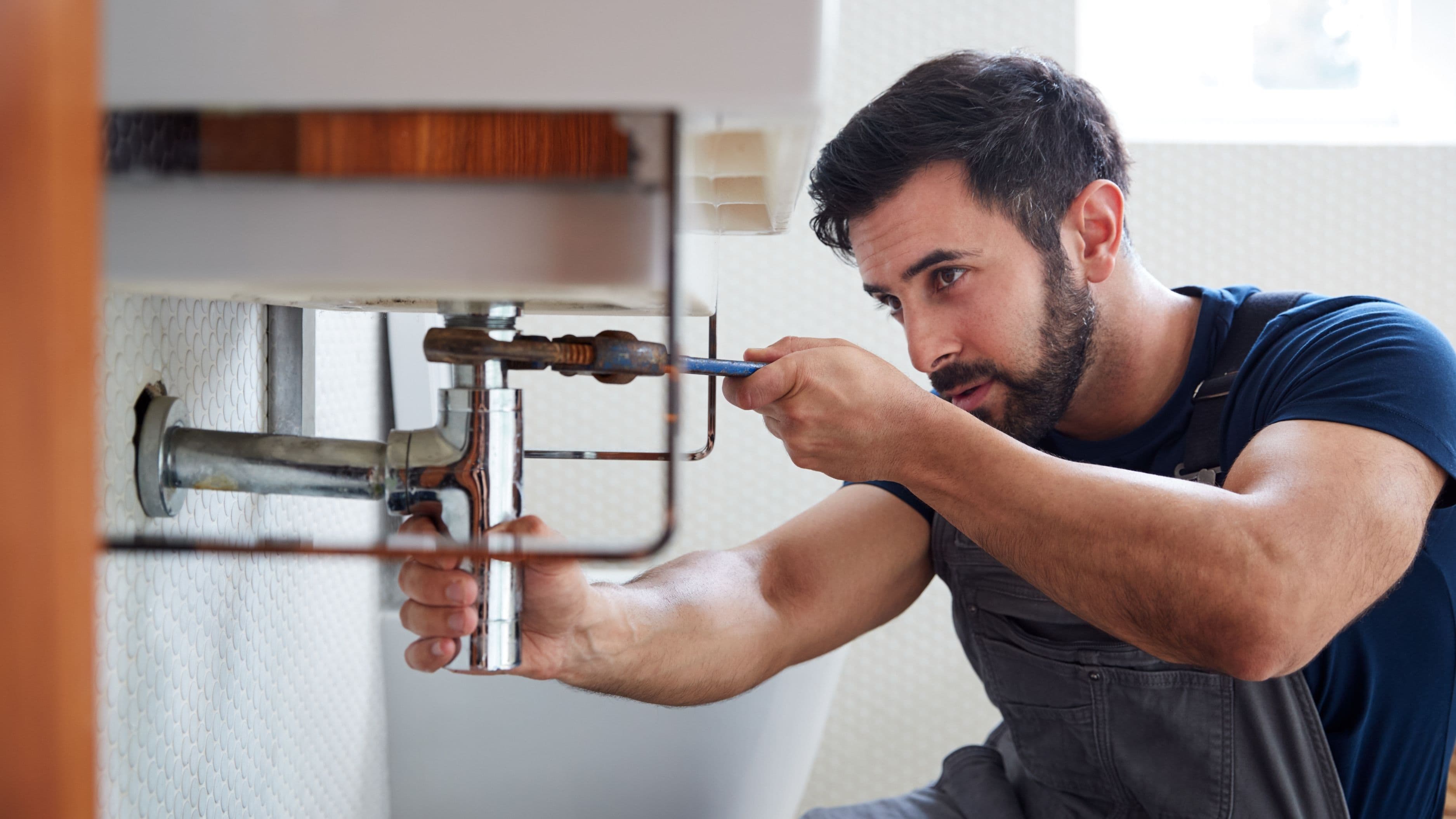
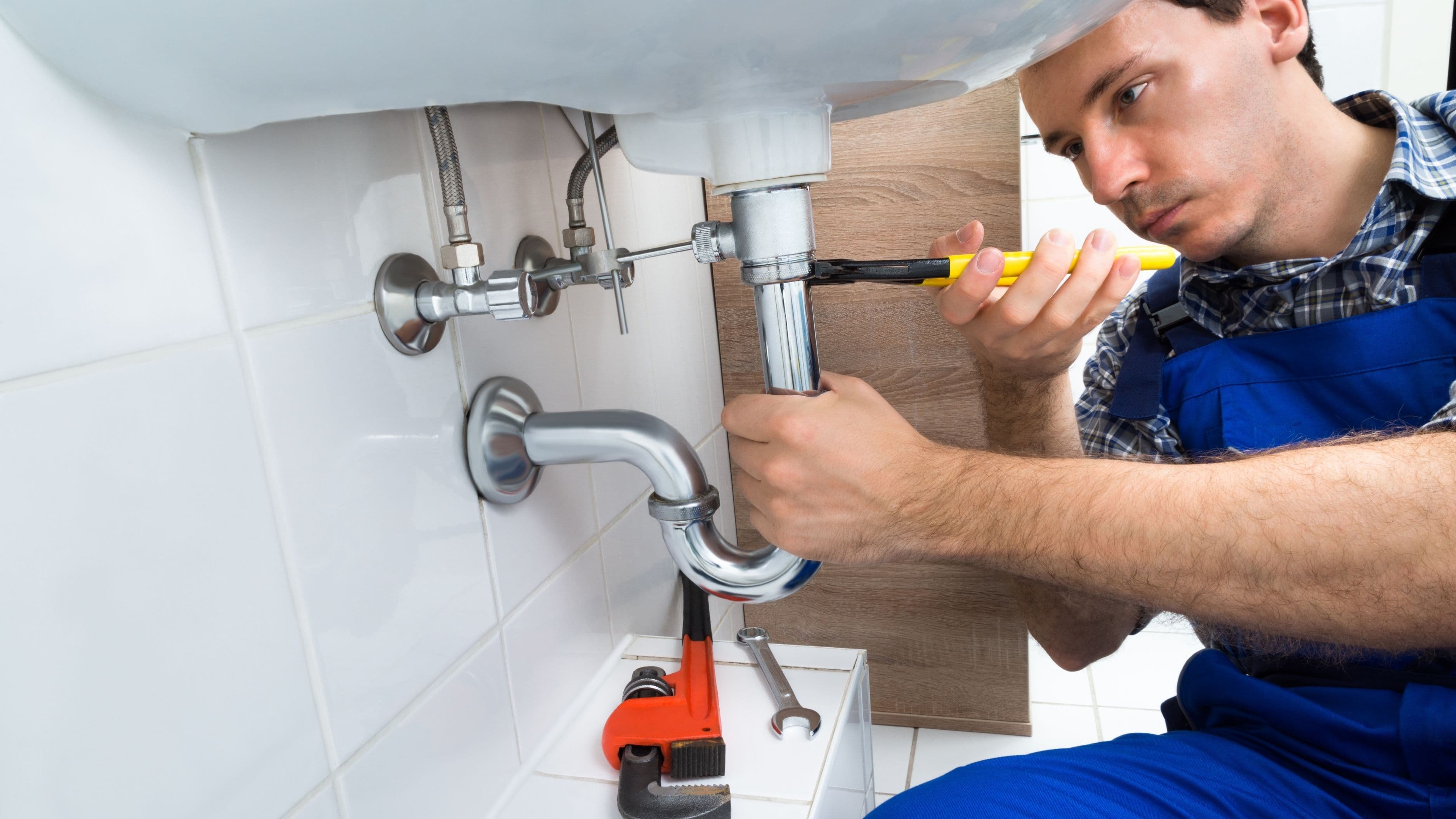
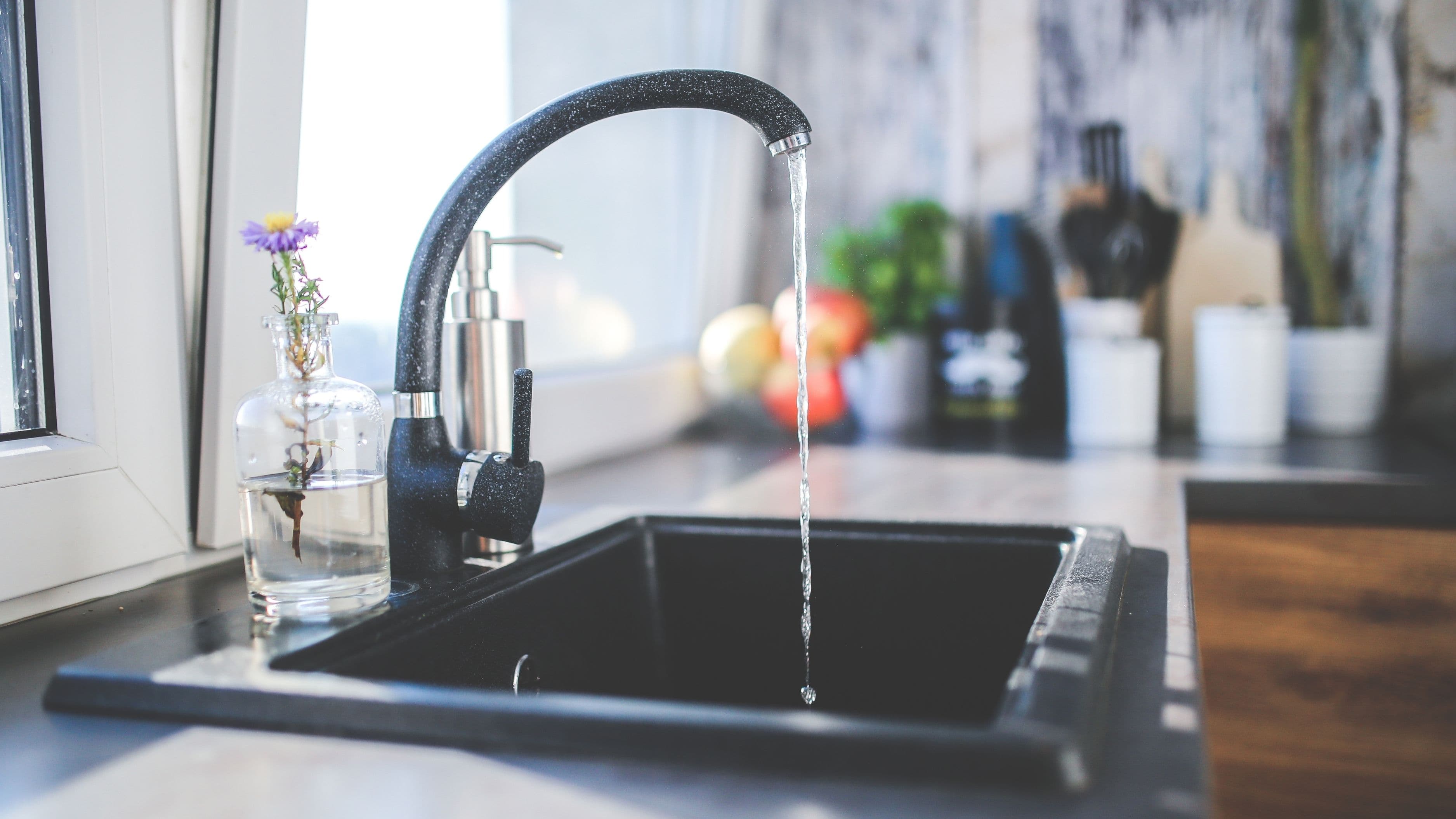
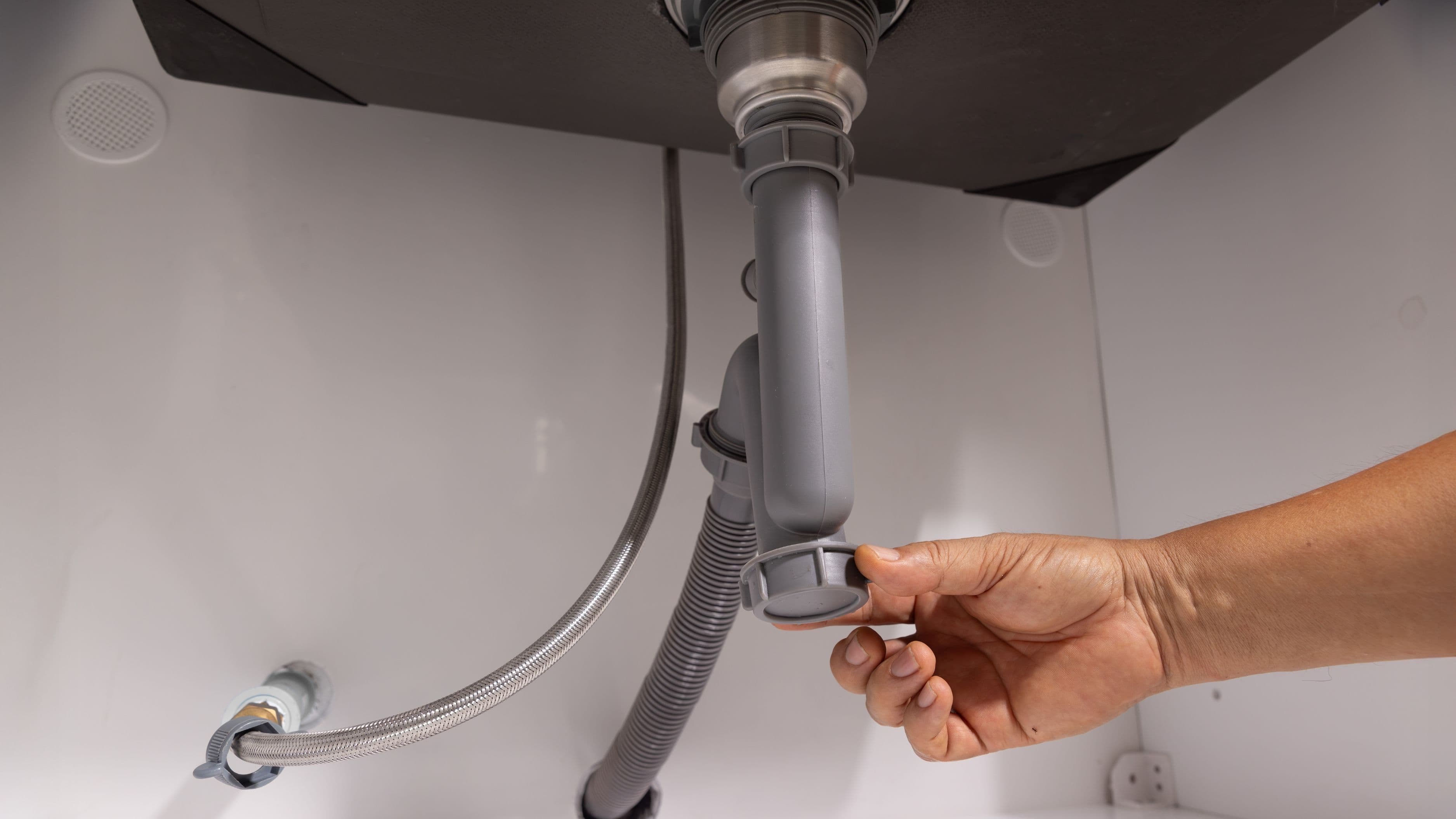
The cabinet under a sink is one of the most leak-prone spots in any home. Supply lines degrade over time, especially older braided plastic ones. Drain connections can loosen gradually from vibration and repeated use. P-trap fittings develop slow drips that only show up under certain usage conditions. And because the cabinet is usually packed with cleaning supplies or dish soap, you often don't notice moisture on the floor until something stored there starts to smell or soften.
A sensor placed flat on the cabinet floor, pushed toward the back where water would naturally pool, catches all of these scenarios. You don't have to inspect under the sink regularly. You don't have to notice a smell. The sensor does the monitoring and tells you the moment something's wrong.
Kitchen sinks are arguably the highest-priority placement because supply lines there tend to be under the most frequent use and because water damage under a kitchen sink can spread into adjacent cabinetry and the subfloor below without ever making its way to a visible surface. Bathroom vanity sinks are close behind, particularly in bathrooms where the cabinet is enclosed and poorly ventilated.
How Much Do They Cost, and Are They Worth It?
Difficulty to install: None – they're drop-in sensors, no tools required
Time to set up: 10–20 minutes including app pairing
Cost range: $15–$55 per sensor depending on features
At the low end, a basic Wi-Fi-connected sensor like the Govee Water Sensor or the Wiz Smart Leak Detector runs $15–20. These connect directly to your Wi-Fi, require no hub, and send phone notifications reliably. At the mid-range, the Moen Flo Smart Water Sensor and the Samsung SmartThings Leak Sensor run $25–35 and add smart home integration and temperature monitoring. At the higher end, the Phyn Plus ($350+) is a whole-home leak monitoring system that installs on your main water line and can detect micro-leaks and pressure anomalies across your entire plumbing system – a different product category entirely.
For most homeowners, the $20–30 range hits the right balance of reliability, connectivity, and simplicity. You don't need whole-home monitoring to protect the three or four spots in your house where leaks most commonly start.
Against the cost of water damage, the math is almost embarrassingly one-sided. The average insurance claim for water damage and freezing in the US runs around $11,000 according to the Insurance Information Institute. Even replacing a single water-damaged under-sink cabinet and subfloor section can cost $500–2,000 depending on your market. A $25 sensor is noise compared to either of those numbers.
Where to Place Them Beyond the Kitchen Sink
If you're going to buy sensors, under the kitchen sink is the obvious first placement – but it shouldn't be the last. The spots that matter most in most homes are:
Under bathroom sinks, particularly if the vanity is enclosed with a door. An open-front vanity dries faster and is easier to check visually, but a fully enclosed cabinet can trap moisture for a long time.
Behind and under the washing machine. Washing machine supply hoses are one of the most common sources of catastrophic household water damage – a hose failure while you're away can flood a laundry room completely before anyone notices. A sensor directly behind the machine catches both slow hose drips and faster failures.
Near the water heater. Most water heaters sit on a concrete floor in a utility room or garage, so the damage from a slow bottom leak tends to be less severe than it would be on a wood subfloor. But a sensor next to the base of the unit catches tank failures early and gives you time to address the issue before the tank lets go completely.
Under and around the refrigerator if it has an ice maker. The water line running to the back of the fridge is often a thin plastic compression-fit tube that can fail at the fittings over time. A sensor on the floor behind the refrigerator is cheap protection for an easy-to-miss failure point.
In the basement near any supply line penetrations or near a sump pump. Basement leaks are common and often go undetected for extended periods because the space isn't used daily. If you have a finished basement, this placement becomes even more important.
What to Look for When Buying One
Wi-Fi vs. hub-required. Wi-Fi connected sensors are simpler – they pair directly with your router and send notifications through their own app. Hub-required sensors (Zigbee, Z-Wave) need a compatible hub like SmartThings or a Hubitat controller to function, but they offer better range, lower battery drain, and tighter integration with other smart home devices. For most people who just want straightforward leak protection, Wi-Fi sensors are the easier and more reliable choice.
App and notification reliability. This matters more than almost any spec. A sensor that fails to send a notification because the app is glitchy or the connection drops is worse than no sensor at all because it creates false confidence. Check app reviews on the Apple App Store and Google Play before buying – consistent complaints about missed notifications or connectivity drops are a red flag. Brands with generally solid reputations for notification reliability include Govee, Moen, Ring, and Honeywell.
Battery life. Most sensors run on CR123A or AA batteries and last 1–3 years depending on the sensor and usage. Some come with a low battery notification through the app, which is worth having. Avoid sensors with very short rated battery life or ones that require frequent manual testing to confirm they're still active.
Local alarm volume. If the sensor triggers while you're home but your phone is on silent, the local alarm is your backup. Most sensors produce 80–100 dB alarms – loud enough to hear from another room. Check the spec before buying if this matters to you.
Temperature monitoring. Some sensors also flag when the ambient temperature drops near freezing, which is a useful secondary warning for pipe freeze risk in unheated spaces. Worth having in sensors placed in utility areas, crawl spaces, or garages in colder climates.
Setup: Simpler Than You'd Expect
Setting up a typical Wi-Fi connected leak sensor takes about 15 minutes from opening the box to receiving your first test notification. The process is usually: insert batteries, download the manufacturer's app, follow the in-app pairing steps (typically just connecting to your Wi-Fi network), and place the sensor flat on the surface you're protecting. Most apps will walk you through a simple test – press a button or briefly wet the contacts – to confirm the sensor is active and notifications are working.
A few placement details are worth getting right. The sensor needs to sit flat with both contact points touching the surface, so it can properly detect water pooling. If the cabinet floor is uneven, a thin silicone mat underneath keeps the sensor level. Keep the sensor away from areas where cleaning spray or splashed water could trigger false alarms – the back corner of the cabinet, where natural drips would pool, is better than directly below the drain.
Label each sensor in the app with its location. When you get a notification at 2 a.m., "Leak Detected" is much less useful than "Leak Detected – Kitchen Sink."
Limits to Know Before You Buy
Leak detectors only work where you place them. A sensor under the kitchen sink won't catch a drip from a slow roof leak in the attic or a pinhole in a supply line inside a wall cavity. They're point-of-failure protection, not whole-home surveillance.
They also can't stop a leak – they can only alert you to one. If a supply hose fails completely while you're away for a weekend, a sensor will notify you immediately, but there's still water running until you get home or call someone to shut it off. This is where a Wi-Fi enabled smart water shutoff valve – installed at the main supply line or under an individual sink – adds real value by automatically stopping the water when a sensor triggers. These cost $100–300 depending on pipe size and brand, which puts them in a different budget category, but the combination of sensor plus auto-shutoff is close to airtight protection for the spots it covers.
False alarms are possible, though not common with quality sensors. Condensation on cold pipes dripping onto a sensor contact, or steam from a dishwasher venting under a cabinet, can occasionally trigger a notification. Repositioning the sensor slightly away from direct drip paths usually eliminates this.
Common Mistakes to Avoid
Buying sensors and not pairing them with an app defeats most of the purpose. A standalone beeper alerts you if you're home, but the real protection is the remote notification when you're not there. Always complete the app setup before placing the sensor.
Placing sensors only in the obvious spots and skipping the less-used areas is a common gap. A guest bathroom sink that nobody checks regularly is actually a higher risk than the kitchen sink you look under every week. Low-traffic areas deserve sensors too.
Forgetting to replace batteries is the silent failure mode of any battery-powered device. Set a calendar reminder to check sensor batteries every 12 months, even if the app claims the battery is fine. Physical battery checks are more reliable than app readings for budget sensors.
FAQ
Do smart leak detectors work without a Wi-Fi connection? Most sensors will still sound a local alarm without Wi-Fi, but they won't send phone notifications. For the remote alerting to work, the sensor needs an active connection to your network or hub. If your Wi-Fi goes down, you lose the notification capability until it's restored.
Can one sensor cover an entire cabinet? Generally yes for a standard under-sink cabinet, as long as the sensor is positioned where water would naturally pool – usually the back or lowest point of the cabinet floor. For larger spaces like laundry rooms, you may want two sensors to ensure coverage across the full area.
Will the sensor trigger if I'm cleaning under the sink and water splashes on it? Possibly, depending on how much water hits it. Most sensors require the contacts to be bridged by standing water rather than a splash, so a quick splash often doesn't trigger them. But a wet rag left on top of a sensor will. Move the sensor to clean under it and put it back after.
How long do the batteries typically last? Most quality sensors last 1–3 years on a fresh set of batteries under normal (non-triggered) conditions. Sensors that trigger alarms drain batteries faster. Budget at least one battery check per year as part of your home maintenance routine.
Is there a sensor that can automatically shut off the water when it detects a leak? Not typically as a single device. You'd need a separate smart water valve (like the Moen Flo or LeakSmart valve) installed at the shut-off point, which can be programmed to close automatically when a paired sensor triggers. The valve installs at the water supply line and requires basic plumbing skills or a plumber to install.
The Bottom Line
Smart water leak detectors are one of the simplest and highest-value home investments you can make. They require no installation skill, cost between $20 and $35 for a reliable unit, and give you immediate notification when water appears where it shouldn't. Under sinks is the right place to start, but the laundry room, water heater area, and refrigerator line are all worth covering too.
Set them up properly – app paired, location labeled, batteries fresh – and then genuinely forget about them. That's the whole point. They're doing the checking so you don't have to.
📚 Sources
Insurance Information Institute – Homeowners Insurance: What Is Covered – https://www.iii.org/article/homeowners-insurance-what-is-covered
U.S. Environmental Protection Agency – WaterSense: Protecting Your Home from Water Damage – https://www.epa.gov/watersense/fix-leak-week
International Association of Certified Home Inspectors – Washing Machine Hose Inspection – https://www.nachi.org/washing-machine-hoses.htm
Consumer Reports – Water Leak Detector Buying Guide – https://www.consumerreports.org/smart-home/best-water-leak-detectors/
Moen Flo Smart Water Monitor – Product Overview – https://www.moen.com/flo